
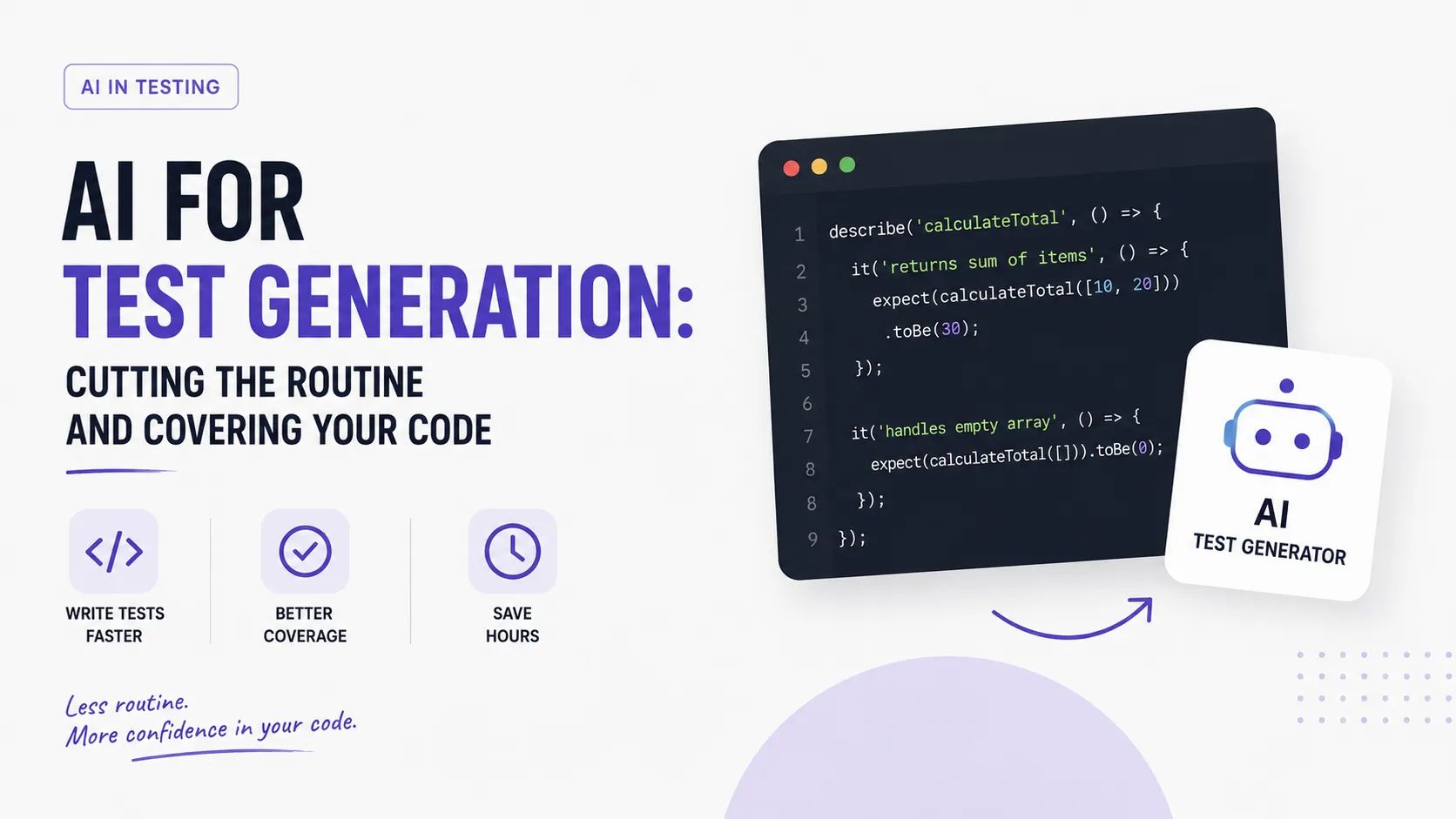
Tests are the part of the job developers like least and skip most often. Writing them is boring, they "don't add features," and the deadline is always pressing. That's exactly why test generation became one of the tasks where AI delivers the fastest, most visible win: an agent writes tests happily and quickly, taking the routine off your hands.
In this article we'll unpack which types of tests you can generate with AI, how to do it for legacy code, how to check the quality of what's generated (because you can't trust it blindly), and where the savings are biggest. In spirit it's close to the work of a QA engineer, only with AI acceleration.
Which Types of Tests You Can Generate
AI handles all the main testing levels well, though differently:
- Unit tests — the best candidate. For a single function with clear inputs and outputs, AI quickly generates a set of cases, including edge cases. The classic tool is Jest.
- Integration tests — checking the interaction of several modules. AI is useful here but needs more context about how the parts connect.
- E2E tests — simulating user actions in the browser. Modern frameworks Playwright and Cypress are well documented, so AI confidently generates "click → check result" scenarios.
The general rule: the more clearly the behavior is defined, the higher-quality the generated test. AI covers fuzzy logic worse — and that's a signal the logic should be clarified first.
How AI Generates Tests
There are a few working approaches, and they complement each other:
- Right in the editor. Tools like GitHub Copilot suggest tests for a function as soon as you start writing
test(...), or generate a whole file on command. - Via chat/agent. You give it a function and ask: "write unit tests with Jest, cover edge cases and invalid inputs." The agent returns a finished file.
- Via API. For your own pipelines you can call the OpenAI API or Anthropic and generate tests programmatically (for example, for every changed file).
The best result comes from context: the more AI knows about neighboring code, project conventions, and examples of existing tests, the closer the generated tests are to your style.
Tests for Legacy Code
One of the most valuable scenarios is covering legacy code that no one has dared to touch in ages. AI is a lifesaver here:
- Characterization tests. AI reads the function's current behavior and locks it in "as is" — creating a safety net before a refactor, even if the code isn't ideal.
- Fast understanding. The agent can explain what an obscure module does and immediately propose tests for its behavior.
- Gradual coverage. Instead of "rewrite everything," you build up coverage in chunks, lowering the risk of regressions.
This turns the scary task of "add tests to an old project" into a manageable, step-by-step job.
How to Check the Quality of Generated Tests
The main trap: a generated test can look good but verify nothing. So always control quality:
- A test must be able to fail. If you deliberately break the code, the test must go red. A test that always passes is useless.
- Test behavior, not implementation. A good test checks what the code does, not how; otherwise it breaks on every refactor.
- Coverage ≠ quality. 100% of lines can be "covered" by tests that assert nothing. Look at the assertions, not just the coverage number.
- Review is mandatory. Read generated tests as carefully as working code — it's code too, and it can also lie.
A useful technique is mutation testing: deliberately introduce small bugs and see whether the tests catch them. That's the most honest check of their value.
Where AI Saves the Most Time
Not all tasks are equally worth delegating. The biggest win is where there's a lot of routine and little creativity:
- Boilerplate — setup, mocks, fixtures, repetitive test structures.
- Enumerating edge cases — AI is good at generating "what if null / empty array / negative number / very long string."
- Uniform tests — when you need to cover dozens of similar functions on one template.
- A fast coverage start — from zero to a base set of tests in minutes instead of hours.
But the complex test strategy — what's even worth testing, which scenarios are business-critical — is best left to a human. AI speeds up execution, but you set the priorities.
Common Mistakes
- Blind trust in "green." Meaningless green tests are worse than no tests — they give a false sense of safety.
- Testing implementation. Tests tied to internal structure break on every refactor and annoy the team.
- Ignoring project context. Without examples of existing tests, AI generates "its own" style that doesn't match the rest.
- Forgetting maintenance. Generated tests must be maintained too; the more of them, the more their quality matters.
Example: Covering a Function with Tests
Let's walk a concrete cycle on a simple function — say, an email validator:
- Give context. Show the AI the function and an existing test example so it picks up your style and framework (Jest).
- Frame the request. "Write unit tests: valid addresses, invalid ones (no @, double dot, empty string), edge cases (a very long domain)."
- Get a draft. The agent returns a set of cases, including ones you might not have thought of.
- Verify. Deliberately break the function (for example, remove the @ check) and see whether the tests go red. If not — the test is bad.
- Refine. Remove the excess, add cases specific to your product.
Notice: the AI did 80% of the routine (enumerating cases, boilerplate), and your role is to check the meaning and add domain specifics.
Tests in CI/CD
Generated tests reveal their value when they become part of an automated process rather than sitting locally. A base integration:
- On every commit. Tests run in the pipeline automatically, catching regressions before merge — we covered the CI/CD process itself in the article on modern web development.
- Generation on changes. An advanced scenario — the agent proposes tests specifically for the changed files in a pull request.
- Blocking without coverage. The pipeline can require new logic to have tests before it's merged.
This way test generation stops being a one-off action and becomes a constant quality safeguard.
Metrics: What to Watch
To assess the real value of tests (not just their count), a few metrics help:
- Coverage — how much code the tests execute. Useful as a guide, but misleading as an end in itself: 100% of lines can assert nothing.
- Mutation score — how many deliberately introduced bugs the tests catch. This is the most honest metric of quality, not volume.
- Flakiness — the share of "unstable" tests that fail randomly. Generated e2e tests are especially prone to this, so watch stability.
Look at these metrics together: a high test count with a low mutation score is an illusion of safety.
Example of a Good Prompt
The quality of generated tests depends directly on how you frame the task. Compare.
A weak prompt: "write tests for this function." You'll get a few obvious cases and, most likely, "green" tests that check almost nothing.
A strong prompt: "Write Jest unit tests for the calculateDiscount function. Cover: valid discounts (0%, 50%, 100%), invalid inputs (negative, over 100, non-number), boundary values, and the behavior when the price is zero. Use the existing test style from the neighboring file. Don't test the internal implementation — only the result."
The difference is huge. A good prompt specifies:
- concrete case categories (valid, invalid, boundary);
- expected behavior in non-obvious situations;
- style and framework (so the output fits the project);
- constraints ("test the result, not the implementation").
The clearer the request, the fewer "junk" tests and fewer iterations. It's the same skill of framing a task clearly discussed in the article on AI-era skills.
Tests and Security
A separate valuable area is tests that check not "does it work" but "can it be broken maliciously." AI is good at generating exactly the enumeration of nasty scenarios that are easy to forget:
- Input validation — empty values, overly long strings, special characters, injection attempts.
- Access boundaries — whether a user can see others' data, whether permission checks fire.
- Security regressions — a test that locks in an already-fixed vulnerability so it doesn't come back.
Here AI is especially useful, because people tend to test the "happy path," not the malicious one. But review is critical: a security test that actually checks nothing is worse than none, because it creates a false sense of protection. The "how can this be broken?" mindset stays human — it's exactly what defines a QA engineer.
When Not to Rely on Generated Tests
AI doesn't save time equally everywhere. There are situations where blind test generation does more harm than good, and it's worth knowing them in advance:
- Poorly defined behavior. If you're not sure yourself what a function should do, AI will generate tests for what it does now — including existing bugs. Clarify the requirements first, then test.
- Critical logic with a high cost of error. Payments, security, money calculations — here a generated draft test doesn't replace a thought-out strategy and careful manual review.
- Complex integrations with the outside world. Tests that depend on real services often turn out "flaky"; AI tends to generate exactly those, so you need control over mocks and isolation.
- Coverage "for show." If the goal is just to bump the coverage number before a report, you'll get lots of empty tests that catch nothing and that you then have to maintain.
The common denominator: AI is great where behavior is clear and verifiable, and weak where you need to understand why a test exists. So the decision of "what and how to test" stays an engineering one, not a delegated one. A generated test is a draft you accept deliberately, not automatically.
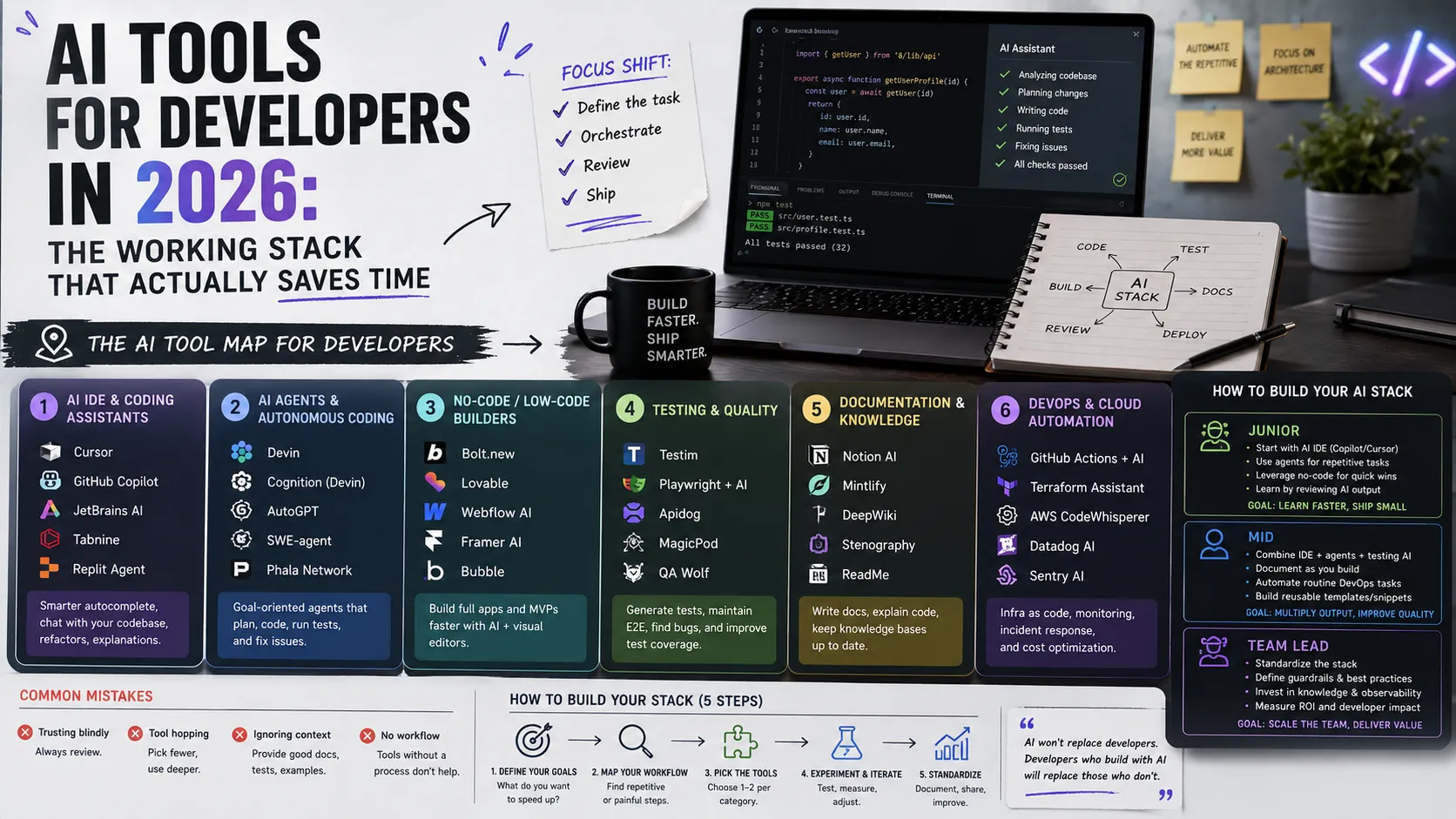
The Right Tool for the Task
Test generation isn't one tool but several approaches for different situations. A short map of when each is more convenient:
- Inline in the editor. Best for quick "here and now" tests, when you write a function and want to cover it with base cases right in the IDE.
- Chat or agent. Best for volume: "cover this module with tests" or "add tests for all functions in the file" — when you need a lot, on a template.
- API in your own pipeline. Best for automation: generate tests programmatically for every changed file in a pull request, with no manual intervention.
- Specialized frameworks. Jest for unit, Playwright and Cypress for e2e — AI generates code for exactly the framework you specify, so name it explicitly in the request.
The practical takeaway: don't look for "one right way." Combine them — inline for small stuff, chat for volume, pipeline for routine. And above all of it stays the human decision of what to test and how strictly. The tool answers "how," but you always set the priorities. That's exactly why a specialist who understands testing becomes far more productive with AI, while one who doesn't merely accumulates low-quality tests faster.
The Short Version
If you compress the article into a few points:
- AI generates unit tests best; e2e and integration need more context.
- The biggest savings are on boilerplate, enumerating edge cases, and covering legacy code.
- A generated test must be able to fail — otherwise it's useless.
- Coverage ≠ quality; a more honest metric is the mutation score.
- The testing strategy and final review stay with a human.
FAQ
Can I fully trust tests to AI?
No. AI generates a great draft, but the final review and the test strategy stay with you. A generated test that verifies nothing is a common and dangerous problem.
Which type of test should I start with?
Unit tests. They're the easiest for AI (clear inputs/outputs) and give the fastest result. Add e2e and integration once you've handled the base coverage.
Will AI replace QA engineers?
No, it changes their role. AI takes on the routine generation, while the human focuses on strategy, complex scenarios, and the critical "how could this break?" view — which is exactly what the QA engineer article is about.
How much time does test generation save?
It depends on the task, but most on the routine: boilerplate, fixtures, and enumerating edge cases. Where it used to take hours, minutes are often enough. But the time on strategy and review doesn't disappear — it just becomes more valuable, because that's what determines quality.
What to Show in Your Portfolio
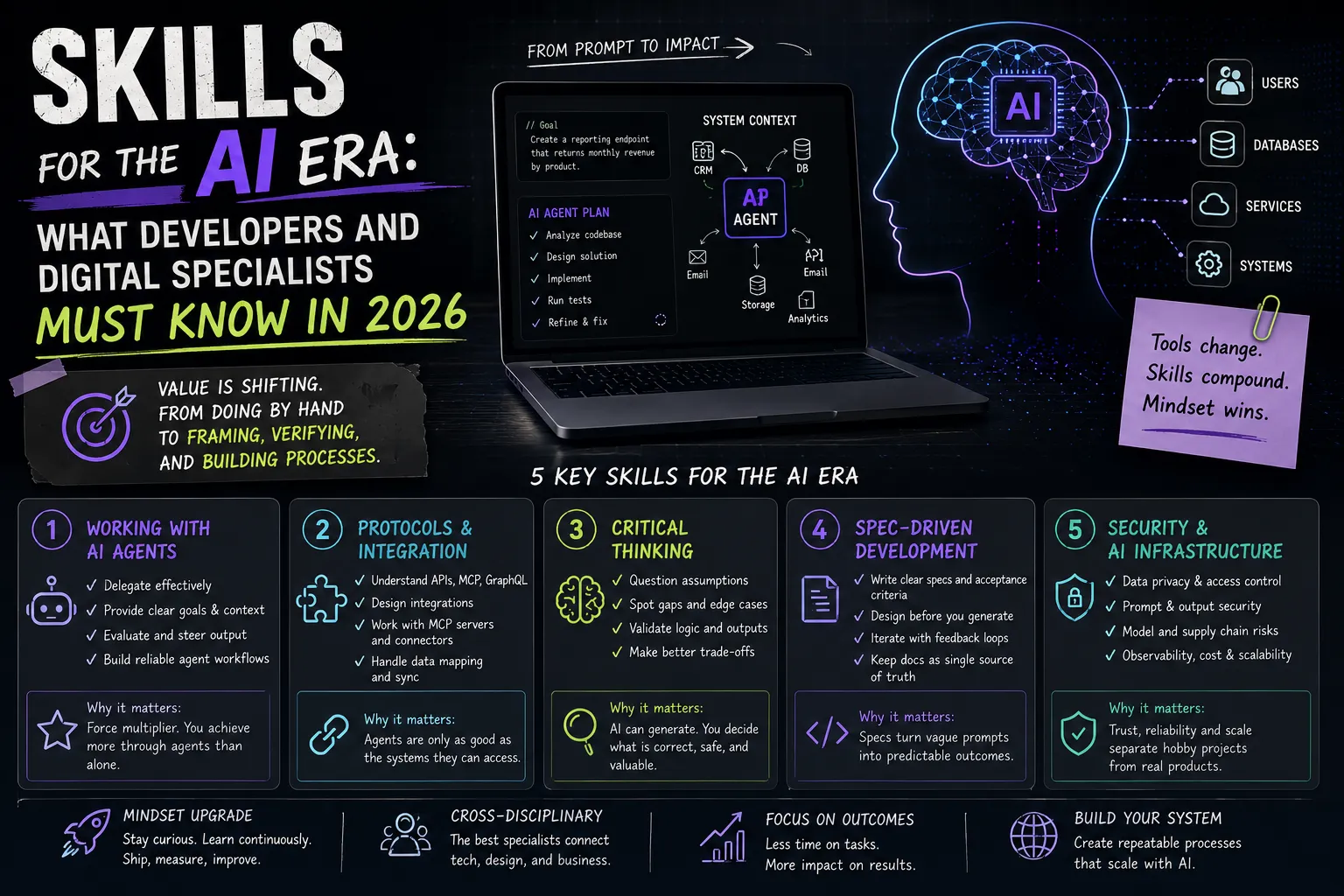
The ability to apply AI to tests wisely is a strong maturity signal. In your cases, show not "generated tests" but the process: how you raised coverage of legacy code, how you checked the quality of what was generated, what you caught before production. It proves engineering discipline. How to frame a case is in the guide How to Make a Portfolio, and for a broader view of AI-era skills, see the article on skills for the AI era.
Add the relevant skills and tools to your profile, tag your project technologies, and see how other specialists present their work.
Ready to act?
- Create your own portfolio: https://searchtalent.dev/en/projects/new
- Skill and technology directory: https://searchtalent.dev/en/talents/skill
- Browse other specialists' projects: https://searchtalent.dev/en/projects
- More articles: https://searchtalent.dev/en/articles