
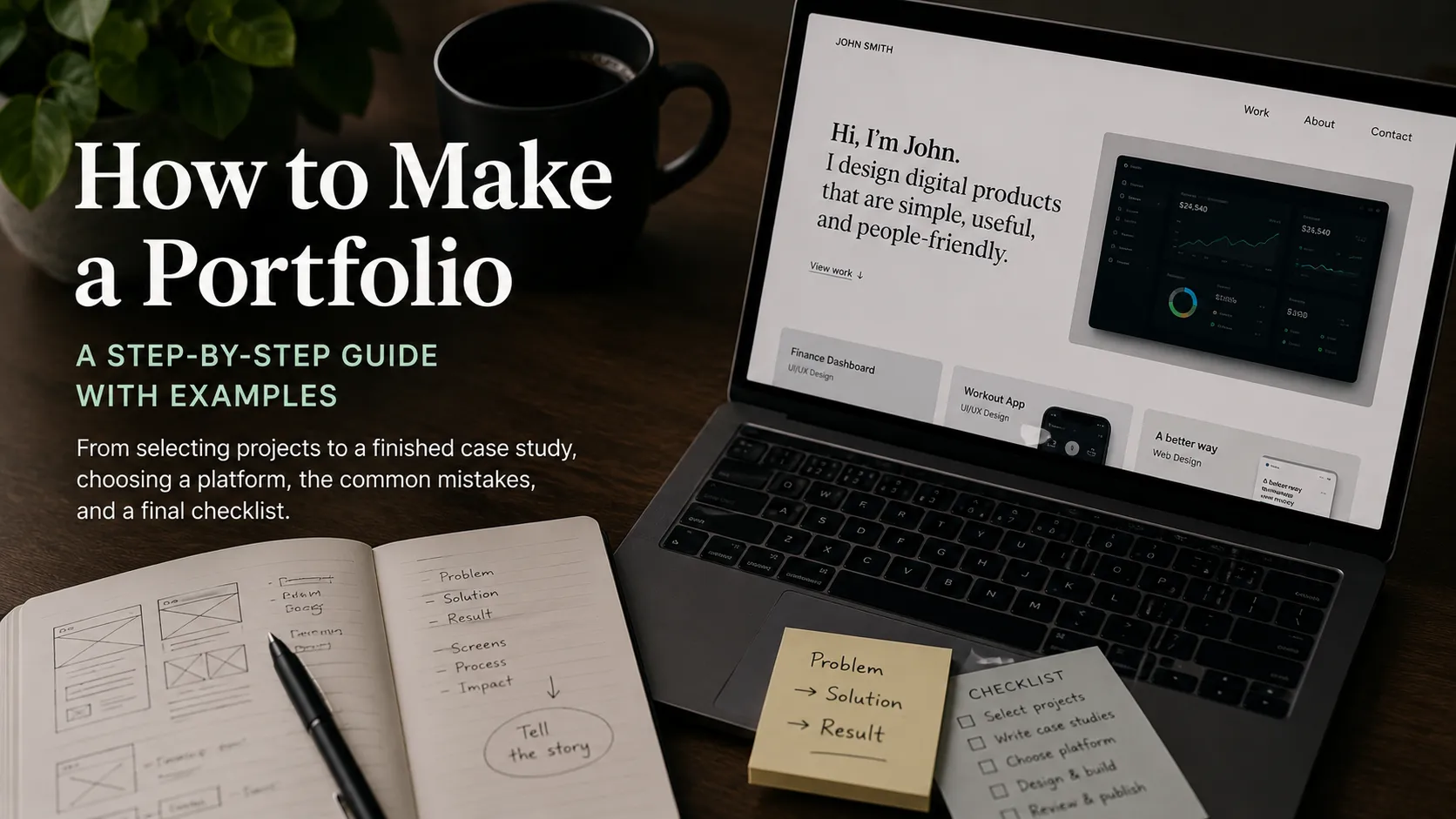
Figuring out how to make a portfolio is hardest at the very start — you seem to have enough work, but it is unclear what to show and in what order. In this guide we will walk the whole path: from selecting projects to a finished case study, choosing a platform, the common mistakes, and a final checklist. By the end you will know how to create a portfolio that works for you, instead of just sitting at a link.
What a Portfolio Is, in One LineA portfolio is not an archive of everything you have ever made — it is a carefully selected set of cases that prove you can solve a client's problem. The key word is selected: five strong projects beat twenty random ones.
How to Choose Which Work to IncludeBefore you think about page design, define the content. The question every project must answer: "Why will this piece convince the person making the decision?"
- Aim at your goal. If you want landing-page work, show landing pages — not logos from ten years ago.
- Quality over quantity. Four to six strong cases look more convincing than fifteen mediocre ones.
- Recency. Work from the last 1–2 years reflects your current level. Include older pieces only if they are genuinely outstanding.
- Variety within a niche. Show different types of tasks, but within one direction, so the profile reads as coherent.
- Right to publish. Make sure an NDA or client terms allow it. If not, describe the task abstractly or build a study equivalent.
A good portfolio reads in 30 seconds at the top level and lets people dive deeper where they are curious. The base structure:
- A short intro. Who you are, what you specialize in, who you work for — one or two sentences.
- A curated set of cases. Lead with your strongest project. The first impression decides whether anyone scrolls on.
- Individual case pages. Each project is expanded in detail (more on this below).
- About you. A short block: experience, tools, approach. No autobiography.
- Contact and call to action. How to reach you and what you offer.
This is the most important part and what separates a professional's portfolio from a gallery of images. An image shows what you made; a case study explains why and with what effect. Stick to the structure:
- Problem / context. What was the task? Who was the client, what were the constraints, deadlines, budget? This sets the scale.
- Your role. What exactly you did, especially on team projects. Be honest.
- Solution. Which options you considered, why you chose this one, what trade-offs you accepted. Show thinking, not just the final shot.
- Result. Specifics and numbers: conversion up by X%, load time halved, the client booked the next phase. No metrics? Quote feedback or note that it shipped to production.
Each case is a small story with a beginning, middle, and end. Stories are what people remember.
Choosing a Platform and FormatThe format depends on your profession and goal, but one rule holds: the venue must never get in the way of the work.
- Your own site or a platform profile — the most flexible option, with full control over structure and presentation.
- Behance / Dribbble — the standard for designers and illustrators, with a built-in audience.
- GitHub — essential for developers: code speaks for itself, so add a README with context.
- ArtStation — for 3D, concept art, and game work.
- PDF — handy as an attachment for a specific job application, but no replacement for a live link.
Tip: keep one "home" link that gathers your best work, and mirror cases on niche platforms for reach.
Common Mistakes to Avoid- Showing everything. Weak work drags down the strong pieces.
- Images with no context. Without the task and the result, viewers cannot see the value.
- Too much cognitive load. Complex navigation, slow loading, and endless effects scare people off.
- Stale contacts. Check that links and email actually work.
- "I did it all." On team projects, honestly state your role.
- Spelling and typos. A small thing that ruins a professional impression. Read it aloud.
The fastest way to understand how to make a portfolio is to study how the best do it. Do not copy — dissect the structure: what is shown first, how cases are described, how much text there is. Great places to find portfolio examples:
- Behance — curated design, branding, and UX work.
- Awwwards — award-winning sites and top-tier digital projects.
- ArtStation — 3D, concept art, and games.
Look at work that is slightly above your level — it sets the bar worth reaching for.
FAQHow do I make a portfolio with no commercial experience? Build study or conceptual projects: a redesign of a known product, an invented brief, a personal side project. The point is to run the full "problem → solution → result" cycle and describe it as seriously as a real case. The quality of your thinking shows even in non-commercial work.
How many pieces should a portfolio have? Four to eight strong cases is ideal. Fewer looks incomplete; more dilutes attention. It is better to add one excellent new project than to keep five weak ones.
How do I create a portfolio for free? Use a platform profile (Behance, GitHub, SearchTalent) or a free site builder. Money does not make a portfolio strong — selected work and clear case descriptions do.
Ready to act?