
A typical conversation with a developer sounds like this: "We'll register a domain, get hosting, set up a CMS, connect the payment API, and the code lives in the repository." Someone outside the field nods along — and later cannot work out what they paid for, which credentials they should receive, or why "the site exists but the domain is separate."
This article is a short dictionary of the five terms that come up most. Without dumbing them down to "it's a thing": afterwards you will be able to talk to a specialist concretely and know exactly what should be in your hands at the end of a project.
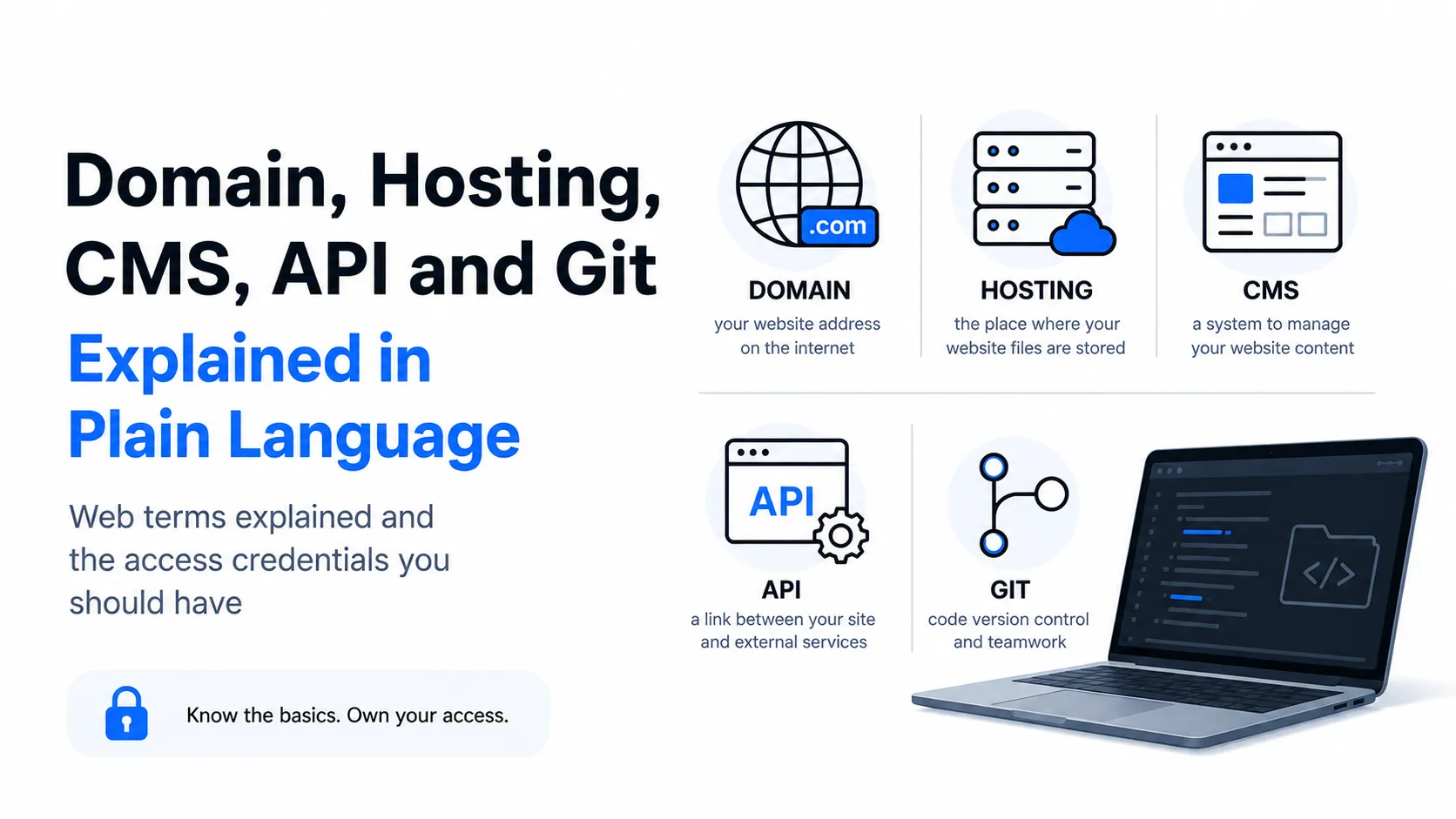
A Domain Is an Address
A domain is the name people find your site by: example.com. Technically every server has a numeric address, and domains exist precisely so humans do not have to memorize numbers.
What matters:
- A domain is not bought forever, it is rented — usually annually with renewal. Forget to renew and the name becomes available to anyone.
- A domain and a website are different things. A domain can exist with no site, and a site can run on a technical address with no domain.
- The domain must be registered to you. The single most important point in this article. If the specialist registered it in their own name, your business name formally belongs to them — and in a dispute that becomes a difficult negotiation.
- The zone matters.
.com, national zones and second-level national zones have different registration rules and prices; some require proof of a right to the name.
Hosting Is a Place
Hosting is rented space on a server where the site's files physically live and its software runs. The domain is the address, hosting is the premises. Neither works without the other.
What affects the choice:
- Type. Simplified: shared hosting (cheap, resources split among many sites), a dedicated server or cloud (more expensive, more control and headroom), specialized platforms for particular technologies.
- Server location. The closer to your audience, the faster the site opens.
- Resources. A store with a thousand products and a five-page brochure site have different needs.
- Backups. A question worth asking before, not after, losing data.
- Hosting is paid separately from development — an annual cost, like the domain. Together with licenses and support, this is the part of the budget people remember after launch; the full cost structure is in How much does a website cost.
How they connect. When someone types your domain, the domain name system (DNS) tells the browser which server to look on. So moving to different hosting keeps the same domain — only the pointers change. DNS changes are not instant: propagation can take from minutes to a day.
A CMS Is a Content Control Panel
A CMS (content management system) is software that lets you change a site's content without a programmer: publish an article, change a price, upload a photo, create a page.
- Why. Without a CMS, every text change is a task for a developer. With one you do it yourself in a minute.
- When it is unnecessary. For a single-page landing that never changes, a CMS can be needless complexity. What a landing page is and when it fits is covered separately.
- Off-the-shelf or custom. Ready CMSs are cheaper up front and have many extensions; a custom admin costs more but fits your processes better.
- A CMS needs maintenance. Updates, extension compatibility, security — ongoing work rather than a one-off.
- The key check at acceptance: open the admin and change a text and add a page yourself. Not "it should work" — verify it, as in the acceptance checklist.
An API Is How Programs Talk to Each Other
An API is a set of rules by which one program can ask another for something and get an answer in a predictable format.
An everyday analogy: a waiter. You do not walk into the kitchen and explain to the chef how to cook — you order from the menu and the result arrives. The menu is the API: the list of what can be requested and the form the answer takes. The kitchen (the program's internals) stays closed.
Where you meet this daily:
- Payments on a site. The store does not store card data — it calls a payment service through an API.
- A map on the contact page — a mapping service's API.
- Signing in with a social account — that network's API.
- Syncing with a CRM or inventory system — data exchange through an API.
- Exchange rates, weather, shipping — the same.
Why it matters to a client: "the service has an API" means integration is possible and predictable. Without one, data has to be moved by hand or through workarounds — more expensive and less reliable. So "does your accounting system have an API?" is a planning-stage question.
How is an API different from a database?
A database is where information is stored. An API is how it is accessed from outside. The direct analogy: the database is the warehouse, the API is the collection window with rules about who can receive what.
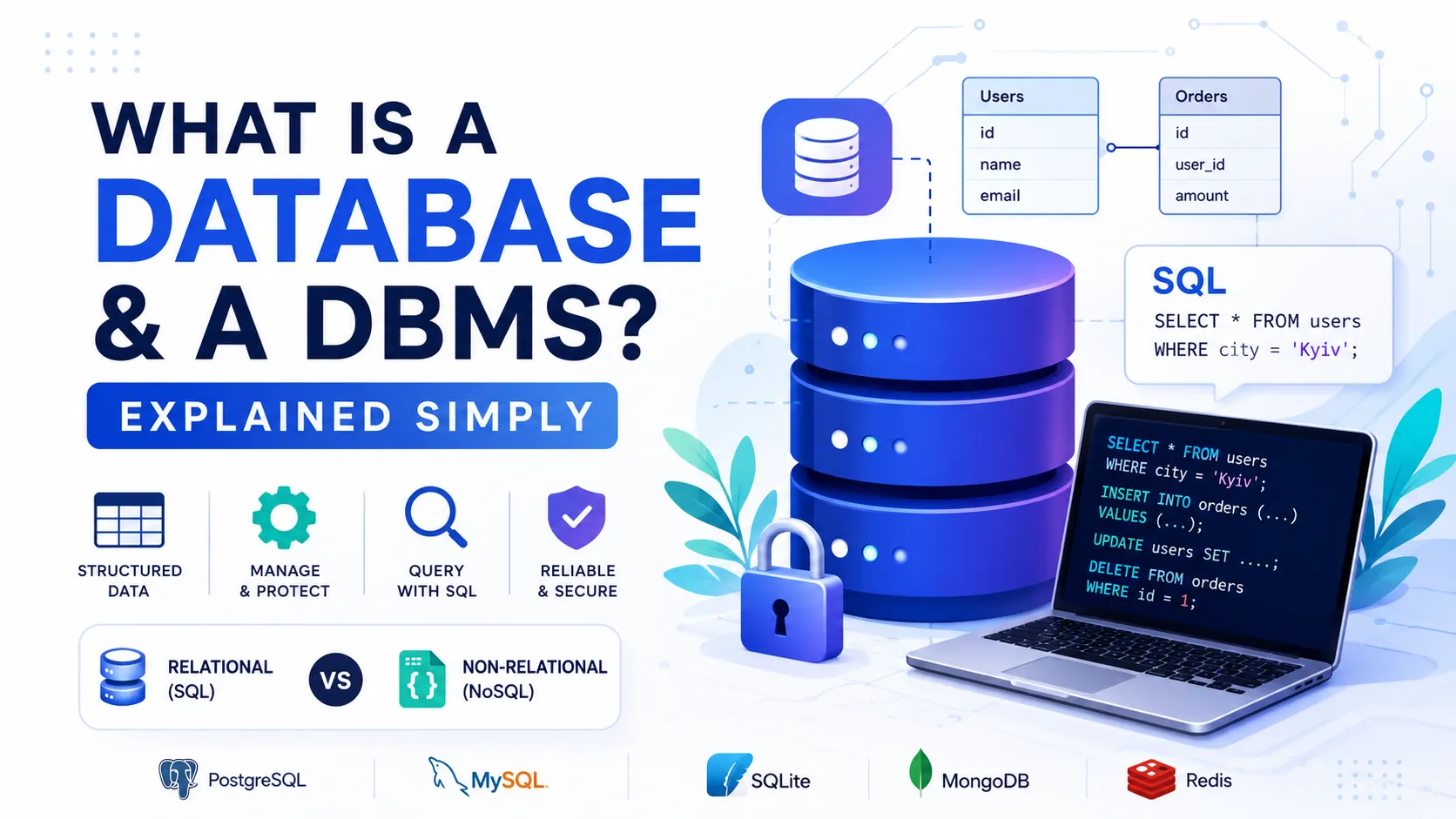
The difference is critical for security: an external service is never given direct database access. It gets an API that permits only allowed requests and only in allowed volume. Databases themselves are covered in What is a database and a DBMS.
Git Is the History of Code Changes
Git is a version control system. In plain terms: it stores the full history of changes to a project and lets you see exactly what changed, when and by whom — and roll back if needed.
- A repository is the project storage together with all its history.
- A commit is a saved point with changes and a description of what was done.
- A branch is a separate line of work. It lets you build a new feature without breaking what already works, then merge the results.
Why this concerns the client despite looking purely technical:
- The repository is your project. Files on hosting can be lost; the history in the repository remains.
- Repository access is insurance. If an engagement ends, the next person continues the work rather than starting over.
- Transparency. What was done and when is visible, which settles most "was this work actually done" disputes.
- So repository access belongs on the list of things to collect before the final payment.
A Few Words You Will Hear Nearby
- Frontend is what the user sees: the interface in the browser. Backend is the server side: logic, data, integrations. More in frontend developer and backend developer.
- Deploy — publishing a new version to the server. Production — the live version real users see.
- HTTPS and a certificate — connection encryption. Without it browsers show warnings and some visitors simply leave.
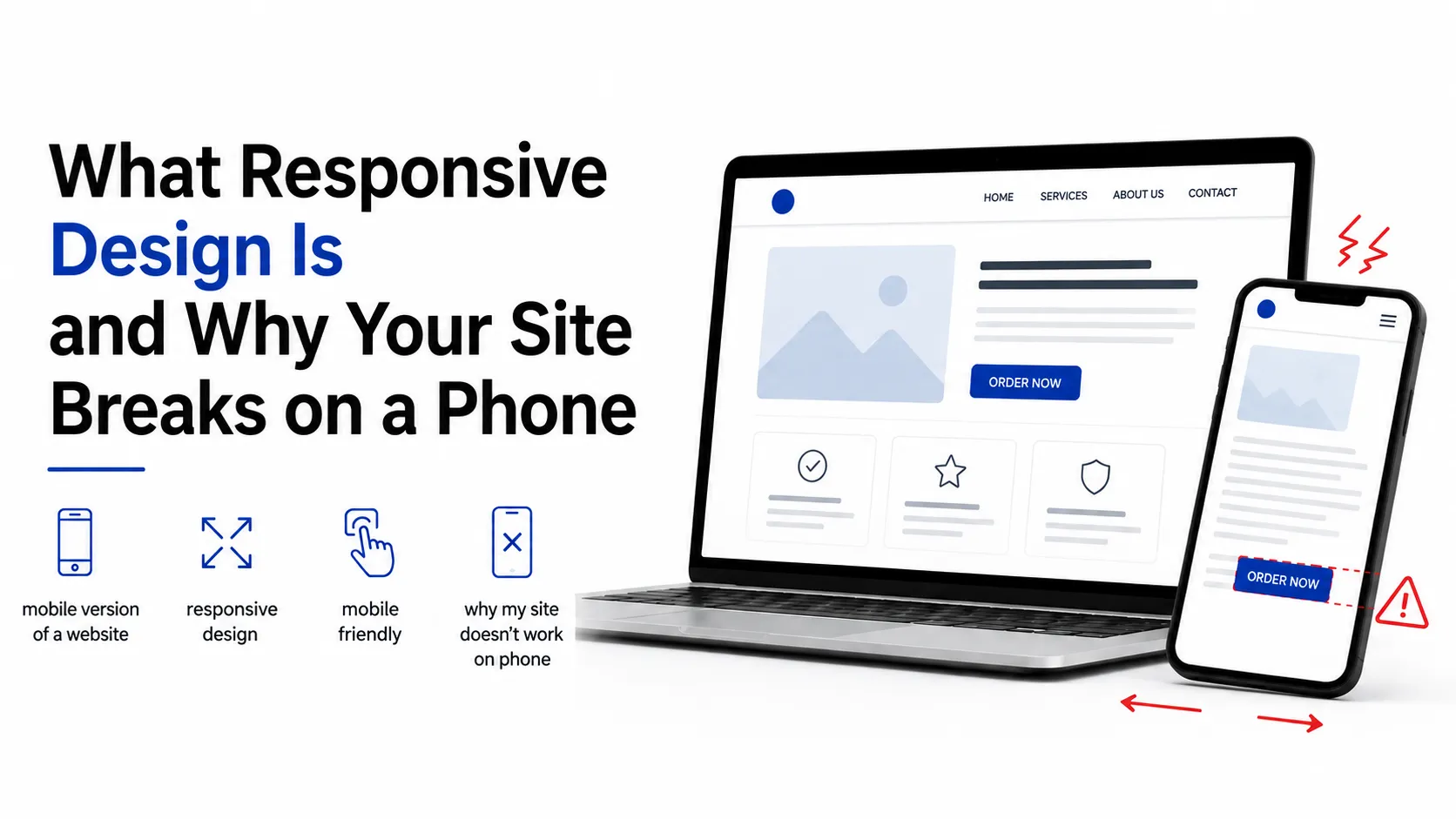
- Responsiveness — displaying correctly across screen sizes; the subject of Why a site breaks on a phone.
- Cache — a stored copy for speed. It is usually why "I changed it but the site shows the old version" — a hard refresh normally fixes it.
How It All Fits Together
The simplified path from idea to a working site:
- Domain — the name registered (to you).
- Hosting — space rented for files and data.
- Development — code written and stored in a repository (Git).
- CMS — an admin panel connected so you can edit content.
- API — external services wired in: payments, maps, analytics, CRM.
- Deploy — the finished version published to hosting, with the domain pointing at it.
- Certificate — HTTPS enabled.
- Handover of credentials — and only here does the project truly become yours.
What Must End Up in Your Hands
The minimum without which a project cannot be considered finished:
- The domain — registered to you, with access to its control panel.
- Hosting — your account, or at least your access to it.
- The CMS admin — with administrator rights, not editor rights.
- The repository — access or a delivered copy.
- Keys and credentials for connected services — payments, analytics, email, maps.
- A list of what is paid annually: domain, hosting, licenses.
If any of these is missing, the project technically remains dependent on the specialist.
Common Misunderstandings
- "I bought the site, so the domain is mine." Not necessarily — check whose name it is in.
- "Hosting is included in development." Usually not; it is a separate annual cost.
- "A CMS means I can change everything." A CMS lets you change content, not structure and design.
- "Just integrate it, they have a website." Integration needs an API; having a website guarantees nothing.
- "The code sitting with the developer is fine." Fine as long as you have repository access.
- "I edited the text but the site shows the old one." Usually cache, not a bug.
- "A domain is a one-time purchase." It is a rental with annual renewal; forget it and you lose it.
Key Takeaways
- A domain is an address, hosting is a place; they are separate and both are paid annually.
- The domain must be registered to you, not to the specialist.
- A CMS lets you edit content without a developer but requires maintenance.
- An API is the rules by which programs exchange data; without one, integration is expensive and fragile.
- Git stores change history; repository access is your insurance against dependence on one person.
- At the end of a project you should hold: domain, hosting, admin, repository and service keys.
- HTTPS is mandatory, and "I changed it but nothing updated" is usually cache.
FAQ
What is the difference between a domain and hosting?
A domain is the name-address people find the site by; hosting is the server space where files and data physically live. They are two separate services, usually billed separately and annually. A domain can move to different hosting without changing the address — only the settings pointing to the server change.
What is an API in plain language?
A set of rules by which one program asks another for something and receives a predictable response. The analogy is a waiter: you order from the menu without entering the kitchen. APIs are how a site takes payments, shows a map or syncs with a CRM. If a service has no API, integrating with it is either impossible or expensive and unreliable.
Why do I need a CMS, and can I skip it?
A CMS lets you change site content yourself — text, photos, products, pages — with no developer involved. Without one, every small edit becomes a separate task and expense. For an unchanging single-page landing a CMS may be unnecessary; for a site with news, a catalog or a blog it is effectively essential.
Why does repository access matter to a client?
The repository holds the project's code together with its full change history. With access, any subsequent developer continues from the current state instead of starting over. Without it, the project technically remains dependent on one specialist — which is why that access should be collected before the final payment, alongside domain, hosting and admin credentials.
What to Do Next
Check three things right now: whose name your domain is registered in, whether you have hosting and admin access, and whether you have the repository. Fifteen minutes that reveal how much of the project is genuinely yours.
If something is missing, that is the first question for your specialist, and the best moment to ask is always "now" rather than during a dispute. The full list of what to verify and collect is in the acceptance checklist, and specialists can be found in the talent catalog.
Ready to act?
- Find a specialist in the catalog: https://searchtalent.dev/en/talents
- Browse specialists' projects: https://searchtalent.dev/en/projects
- Skills and technologies catalog: https://searchtalent.dev/en/talents/skill
- More articles: https://searchtalent.dev/en/articles