
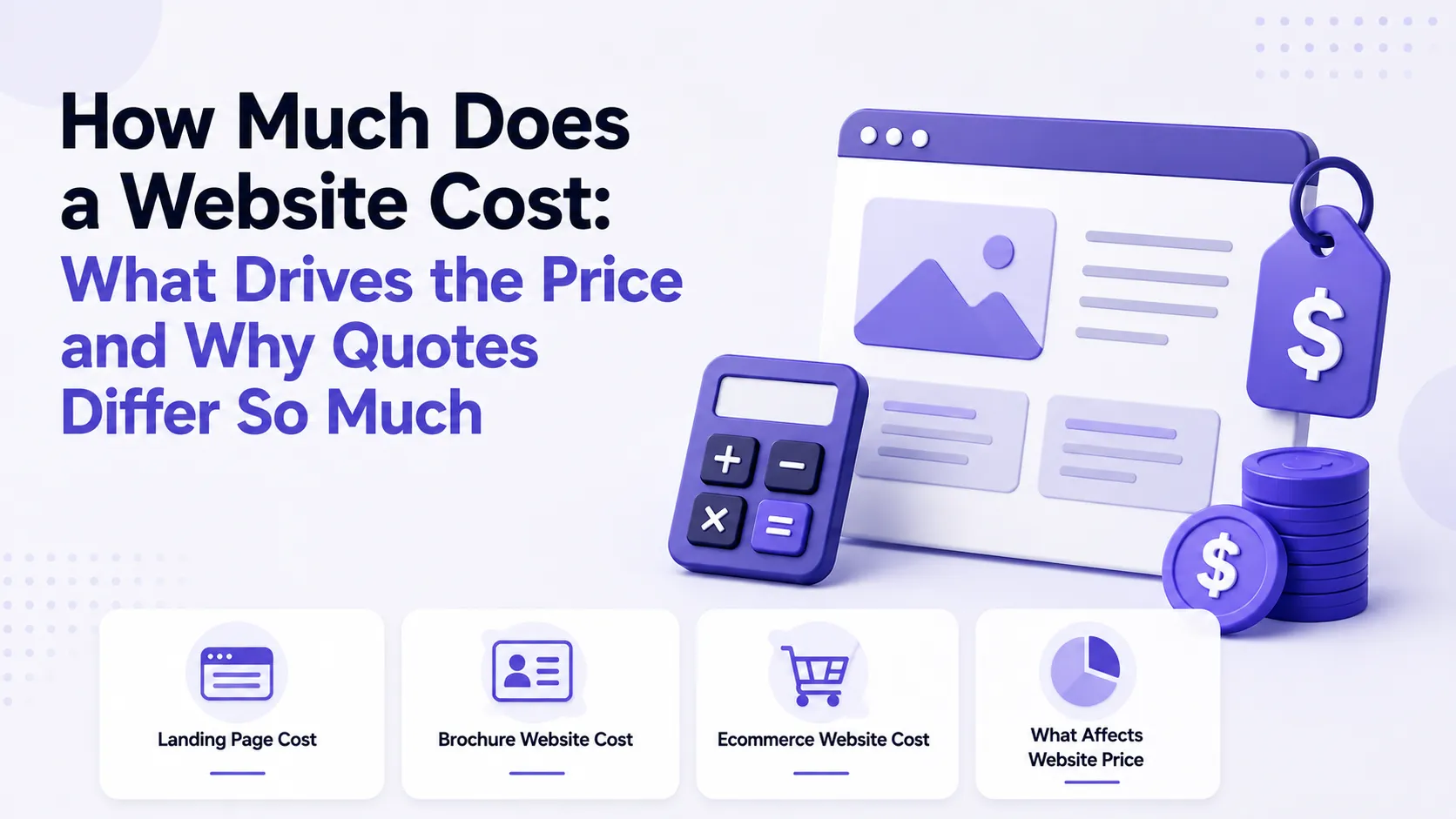
"How much does a website cost" sounds like a question about a number, but it is a question about scope. Which is why any specific figure without details misleads: the phrase "build a website" can mean a one-page landing on an existing template or a store with a catalog, filters, payments and warehouse integration. The difference in effort is enormous, and no "market average" explains it away.
This article deliberately names no sums. Prices depend on country, seniority, year and a dozen other variables, so any figure here would either go stale or lie. Instead, we cover what does not change: what the cost is made of, which factors move it most, and how to compare proposals against each other.
Why Two Quotes for "the Same Site" Differ Several Times Over
The most common situation: a client sends an identical request to three specialists and gets three incompatible numbers. The reason is almost never greed — it is that all three priced different things.
- Different scope. One included custom design, another template adaptation, the third excluded design entirely, assuming you would supply the mockups.
- Different depth. For one person a "store" is a catalog with a cart; for another it also includes accounts, filters, discounts and accounting sync.
- Different seniority. A beginner and a team with a manager and a tester sell different things: in the second case you pay for predictability and insurance against a collapse.
- Different assumptions about content. Who writes the copy, prepares the photos, fills the catalog — often half the work, routinely "forgotten" in the estimate.
- Different attitudes to risk. An experienced specialist builds in a buffer for revisions and the unforeseen. Someone who does not quotes lower and later either eats the cost in their own time or abandons the project.
When quotes differ by multiples, compare the list of work, not the totals. The cheapest proposal is almost always the shortest one — which is exactly why it is cheap.
What the Price Is Made Of
Every website price breaks down into the same components. Knowing this list is a client's main tool.
- Discovery and structure. What the site is, who it is for, which pages are needed, what the visitor should do. Skipping this saves money up front and costs rework later.
- Design. The most variable line: from adapting a ready theme to custom mockups of every page type for desktop and mobile.
- Front-end build. Turning mockups into working pages, responsiveness across screen sizes, browser checks.
- Functionality. Forms, catalog, filters, accounts, calculators — everything that is not just text and images.
- CMS / admin. The ability to edit content yourself. An off-the-shelf CMS is cheaper up front; a custom admin costs more but fits the process better.
- Integrations. Payments, shipping, CRM, analytics, inventory, email. Every integration is separate work plus testing.
- Content. Copy, photos, video, catalog population. Usually the most underestimated part.
- Testing and launch. Device checks, speed, forms, domain, hosting, certificate.
- Post-launch support. Updates, backups, small fixes — a separate service, not a lifetime warranty.
If half these items are missing from a proposal, it is not cheaper — it is smaller. The question "who does the rest" belongs before signing, not after.
Site Types by Effort
No sums — in ascending order of work. This is the most useful scale for orientation.
A one-page landing. A single page with one goal: a lead, a signup, one product sold. The cheapest type — but only if the design is simple and the copy is ready. What a landing page is and when it fits is covered in What is a landing page.
A brochure site. A few pages: about, services, contacts. Slightly more effort than a landing, because navigation and several page types appear.
A corporate site. Sections, news or a blog, a service catalog, forms, often two languages. The jump in price comes not from the number of pages but from the number of distinct page templates and the need for editable content.
An online store. Catalog, product page, cart, checkout, payments, shipping, order statuses, accounting integrations. That is no longer a site but a system, and the price scales accordingly.
A web application or platform. Accounts, roles, calculations, custom logic. Here the cost is set by the amount of functionality, not by "a website"; context on modern approaches is in Modern web development.
Why "number of pages" is a poor unit of price
Because twenty identical catalog pages are one template plus content, while three pages with different structures are three designs and three builds. What you count is page types, not page counts. That is why "how much for a 10-page website" has no answer: ten identical and ten distinct pages are different projects, several times apart in cost.
What Moves the Price Most
The factors that genuinely shift cost rather than adding a few percent.
- Custom design versus a template. The biggest lever. A ready theme saves the most but constrains the look and often forces compromises.
- The number of unique page types. As above: the main unit of design and build scope.
- Complexity of functionality. A contact form and a booking system with a calendar are different universes.
- Integrations. Every external service means documentation, tests and its own class of bugs to catch.
- Multiple languages. Not "translating the copy" but doubling the content, plus URL logic, a switcher and SEO for each language.
- Catalog and filters. Filtering, sorting and parameter search are the most expensive part of a typical store.
- Urgency. A compressed deadline always costs: it means overtime or dropping other projects.
- Content readiness. If copy and photos must be created from scratch, that is a project inside the project.
- Accessibility and performance requirements. Hard targets add a dedicated optimization stage.
Hidden Costs That Surface After Launch
Development cost is not the whole cost of a website. Knowing this in advance keeps the budget from "suddenly" growing.
- Domain and hosting — annual payments not included in development.
- Licenses — paid themes, plugins, fonts, stock photos.
- Payment providers — transaction fees and sometimes setup charges.
- Population — if the catalog has a thousand items, someone has to enter them.
- Support and updates — the CMS and plugins update, and someone must handle it.
- Post-launch changes. Real users always produce a list of fixes. Budgeting zero for that stage is the most common planning mistake.
Payment Models
- Fixed price. Clearest for the client, but it only works with a clear brief. Without one, the specialist prices in the uncertainty, and fixed ends up more expensive.
- Hourly. Flexible when scope is unknown or moving. Requires trust and transparent time reporting.
- Stage payments. The healthiest option for medium projects: design paid, build paid, functionality paid. Both sides risk one stage at a time.
- Retainer. For continuous improvements and post-launch support.
A deposit is normal practice rather than a sign of distrust: the specialist reserves time for you and cannot take another project in that slot.
Why a Very Cheap Quote Usually Costs More
Not because cheap means bad, but because a low price almost always means one of three things:
- Something you assumed was included was removed from scope — responsiveness, copy, testing, handover of access.
- Risks were not priced in, and at some point the work becomes a loss. What follows is either disappearance or a surcharge.
- The work is built so it cannot be developed further. A year later any change requires starting over, and you pay twice.
A practical filter: if one quote is substantially lower than the others, ask for a detailed list of work. Nine times out of ten the difference is explained right there.
How to Reduce the Cost Without Losing Quality
- Cut scope, not quality. Five pages done well beat fifteen done badly.
- Start with a minimum version. Launch what produces results and develop on real data instead of assumptions.
- Use a ready design template where uniqueness is not critical.
- Prepare the content yourself. Client-supplied copy and photos are a real saving — if they genuinely exist rather than "coming tomorrow."
- One language at launch. Add the second once the first proves it works.
- A clear brief. The biggest saving of all: uncertainty is always priced in. How to write one is covered in How to write a brief.
How to Compare Proposals
- Normalize the scope. Compare what is included, not the totals.
- Ask what is NOT included. The single most informative question in any negotiation.
- Clarify the number of revisions and what counts as a revision versus a new task.
- Establish what you receive at the end: access, source files, rights, documentation.
- Ask about the deadline and what happens if it slips.
- Look at relevant work, not the portfolio in general: a site of a similar type matters more than a beautiful site of a different class.
- Judge communication during negotiation. How someone answers before the contract is how they will work after it.
Key Takeaways
- "How much does a website cost" is a question about scope, not a number; without a brief any figure is provisional.
- The price is made of discovery, design, build, functionality, CMS, integrations, content, testing and support.
- Cost is set by the number of page types and functional complexity, not the page count.
- The strongest levers: custom design, integrations, catalog with filters, multiple languages, urgency.
- Domain, hosting, licenses, content population and support are separate post-launch costs.
- A very low price almost always means reduced scope or unpriced risk.
- Compare proposals by their list of work and always ask what is NOT included.
FAQ
How much does it cost to build a website?
Without a description of the task there is no answer: the gap between a template landing page and a store with a catalog, payments and integrations is enormous. To get a real figure you must state the site type, the number of distinct page types, the required features, whether content is ready and whether custom design is needed. Any "market average" without that data misleads.
Why is a landing page cheaper than a brochure site if it is only one page?
Because price is driven by the number of distinct page templates and the amount of functionality, not by the physical page count. A landing has one layout, one goal and usually one form. A brochure site adds navigation, several page types and the need for editable content, which adds design, build and admin work.
Can a website be built cheaper without losing quality?
Yes — by reducing scope, not quality. Four things work: start with a minimum version and develop on real data, use a ready design template where uniqueness is not critical, prepare the content yourself, and write a clear brief. The last one saves the most, because uncertainty always gets priced in.
What is included in the price and what is billed separately?
Development usually includes design, build, functionality, basic CMS setup and testing. Almost always billed separately: domain and hosting, paid themes and plugins, professional copy and photography, catalog population, and post-launch support and changes. Confirm this in writing before you start — it is where most conflicts originate.
What to Do Next
Before asking for a price, describe the task: the type of site, who it is for, which pages are needed, which features are mandatory, what content already exists and by when it must be live. That description takes half an hour and dramatically narrows the spread of quotes — because everyone will be pricing the same thing.
Then look at relevant work rather than portfolios in general. See how specialists present similar projects in the project feed, and pick someone from the talent catalog.
Ready to act?
- Find a specialist in the catalog: https://searchtalent.dev/en/talents
- Browse real projects by specialists: https://searchtalent.dev/en/projects
- Skills and technologies catalog: https://searchtalent.dev/en/talents/skill
- More articles: https://searchtalent.dev/en/articles