
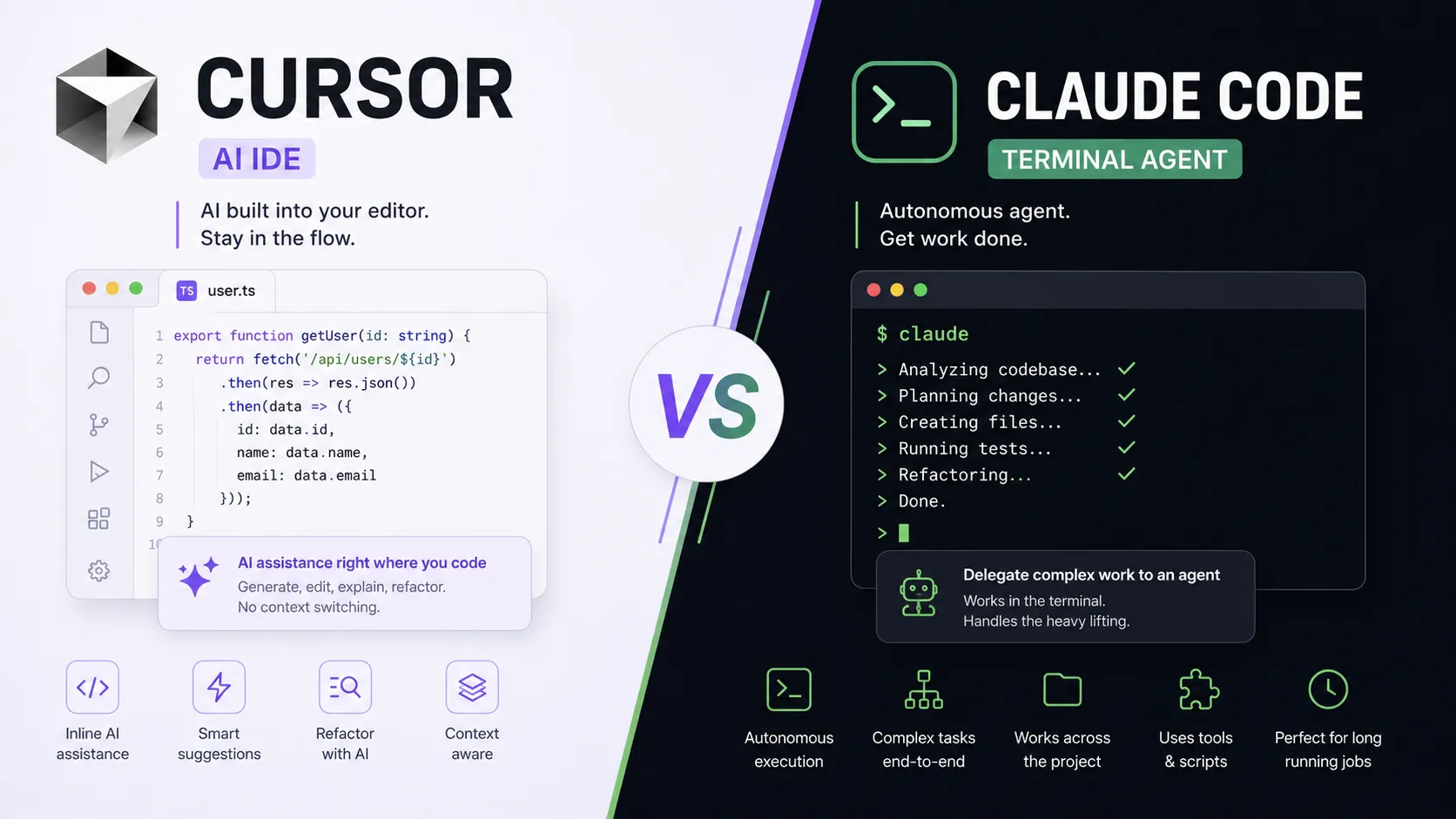
"Which is better — Cursor or Claude Code?" is one of the most common questions among developers in 2026. And it's almost always answered wrong, because people compare the two tools as if they did the same thing. In reality they are two different approaches to AI development: an editor with deeply built-in AI versus an autonomous terminal agent.
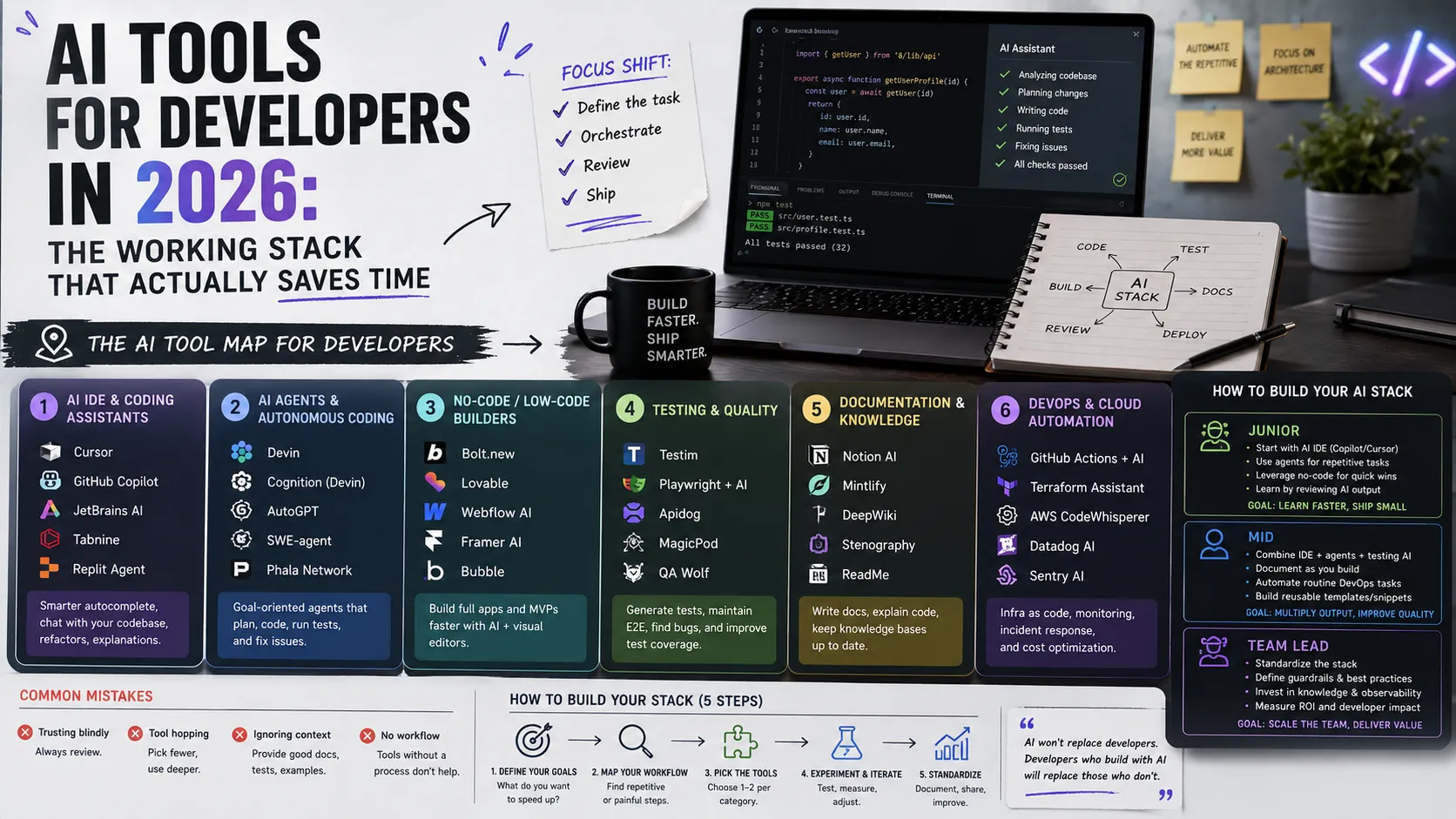
In this article we'll unpack how the approaches differ, how each fits into your workflow, which tasks each handles better, and why experienced engineers end up using both. It continues the theme of the developer's working AI stack but zooms into this specific pair of tools.
Two Approaches, Not Two Identical Tools
For the comparison to make sense, let's first pin down the key difference:
- Cursor is the IDE approach. The AI lives inside the code editor. You see files, the cursor, diffs — and the AI helps right where you work by hand.
- Claude Code is the agentic approach. The AI lives in the terminal as an autonomous agent. You give it a task, and it reads the repository, plans steps, edits files, runs commands, and comes back with a result on its own.
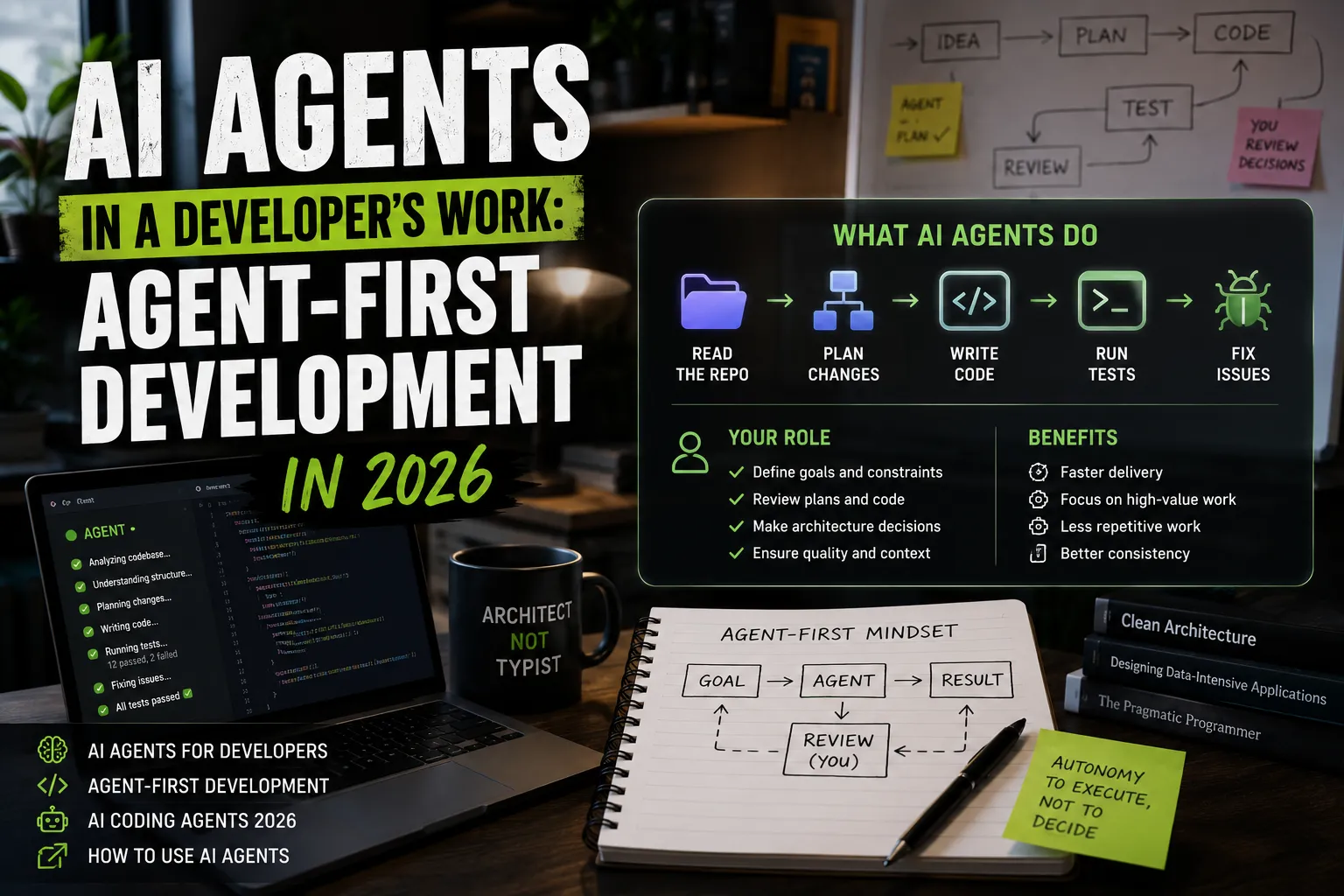
It's the difference between "a smart co-pilot sitting next to you" and "an engineer you delegate a whole task to." Both are useful, but in different situations. We wrote about this shift toward autonomy in the article on agent-first development.
What Cursor Is (the IDE Approach)
Cursor is a VS Code-based editor with AI built into every layer of editing. Key capabilities worth knowing (see the Cursor documentation and the Cursor Learn materials):
- Tab completion — smart autocomplete that predicts not just the next word but the next change across several lines.
- Inline editing — select a fragment, describe the change in words, and the AI rewrites exactly that.
- Chat / Composer — a built-in chat that sees your project context and can make changes across several files while staying in the editor.
- Diff control — you see every change as a diff and accept or reject it by hand.
Cursor's main strength is that you stay "at the wheel." Every change passes through your eyes, the cursor is always under control, and iterations are very fast. It's ideal for work where precision matters and where you know exactly what you want.
What Claude Code Is (the Agentic Approach)
Claude Code is an agent that works in the terminal. Instead of suggesting line by line, it takes the whole task and drives it to a result. Per the Claude Code documentation and Anthropic Docs, its strengths are:
- Reads the whole codebase — it finds the relevant files and dependencies itself, so you don't have to hand-feed context.
- Multi-step tasks — it plans, edits several files, runs tests, reads errors, and fixes them in a loop.
- Terminal and commands — it can run builds, linters, migrations, git operations.
- Extensible via MCP — it connects to external systems through the MCP protocol, reaching databases, APIs, and services.
Claude Code's main strength is autonomy. You state what you need, not how, and the agent breaks it into steps itself. It's ideal for large or routine tasks where you're ready to delegate execution and review the result afterward.
How Each Fits Into the Workflow
The difference is clearest in a single day:
- With Cursor you open a file, write code, accept tab suggestions, select a function and ask to simplify it, scroll through diffs. The AI speeds up your manual work — but you're inside the process the whole time.
- With Claude Code you type in the terminal: "add an endpoint for CSV export, with tests" — and go get coffee. The agent returns a finished draft in a few minutes, and you switch into reviewer mode.
So Cursor amplifies the typing, while Claude Code replaces part of the execution of a task. They occupy two different places in your workflow.
Which Tasks Each Handles Better
A simple guide for when each is more convenient:
- When Cursor is better (IDE approach):
- pinpoint changes where every detail matters;
- actively exploring unfamiliar code with navigation;
- "live" pair work, thinking alongside the AI line by line;
- quick fixes and UI prototyping where you want to see the result instantly.
- When Claude Code is better (agentic approach):
- large refactors across many files;
- routine: tests, migrations, dependency updates, boilerplate;
- "run the tests and fix what broke" tasks;
- work that requires the terminal and many steps in a row.
Code, Refactoring, and Reviewing Changes
Consider three typical scenarios:
- Writing new code. Cursor wins when you write together and want control over each line. Claude Code wins when you need to stand up a whole new module from a spec.
- Refactoring. A local refactor of one function is faster in Cursor via inline editing. A sweeping refactor across 20 files is a job for Claude Code.
- Reviewing changes. Here the tools converge: Cursor shows diffs in the editor, Claude Code shows them in the terminal and via git. Either way, the final review stays with you: don't merge what you don't understand.
How the Workflow Differs: Editor vs Agent
Let's generalize the philosophical difference:
- The editor (Cursor) keeps you in the loop constantly. You're the pilot, the AI is the assistant. Fewer surprises, more control — but more of your attention on every step.
- The agent (Claude Code) takes you out of the execution loop and puts you into the review loop. You're the architect and overseer. More speed on large tasks, but it demands review discipline.
That's exactly why there's no "winner" in general — there's a winner for a specific task.
How to Choose (and Why Many Take Both)
The most common real answer in 2026: experienced developers don't pick one tool, they combine them. A typical setup is Cursor for daily editing and pinpoint changes plus Claude Code for autonomous routine and large refactors. They don't compete — they cover different parts of the day.
If you must start with one: a beginner will find Cursor easier (a familiar editor, full control, less "magic" risk), while someone who already reviews code confidently will get a bigger speed jump from Claude Code.
Pricing and the Access Model
Cost is part of the choice too, and here the approaches differ. Cursor runs on a subscription model with a free tier and paid plans that raise your monthly limit of "smart" requests. Claude Code is billed more by the volume of the agent's work (tokens/requests to the model), so an active day of large autonomous tasks costs noticeably more than a few inline edits in the editor.
In practice this shapes usage habits. With Cursor you think less about "the price of each action" — the editor is with you constantly. With Claude Code it's worth being deliberate about runs: one well-framed task is cheaper and more effective than a dozen vague iterations. Always check current limits and pricing against the Cursor documentation and Claude Code — they change, and numbers in articles age fast.
A Day With Both Tools
To make the difference tangible, here's what a real workday might look like where the tools complement each other:
- Morning, a new feature. You open Cursor, sketch the component structure, accept tab suggestions, and polish the UI — fast manual iteration matters here.
- Midday, big routine. You need to update a legacy module across 15 files and add tests. You frame the task for Claude Code in the terminal and switch to something else while the agent works.
- Reviewing the result. The agent returns diffs; you read them — accept some, ask it to redo others, and finish the tricky parts by hand in Cursor.
- Evening, pinpoint fixes. Small fixes from feedback — Cursor again, because it's faster than spinning up the agent.
Notice: neither tool "won." The workflow won — one where each covers its own part.
Common Mistakes When Choosing
- Looking for a "winner" forever. The question isn't "which is better" but "which is better for this task." There's no universal answer.
- Over-trusting the agent. Claude Code tempts you to "delegate and forget," but without review that quickly turns into technical debt.
- Ignoring learning. If you only accept generated code without understanding it, you don't grow as an engineer — the tool should amplify understanding, not replace it.
- Underestimating setup. Both Cursor and Claude Code shine with the right context: configs, project rules, examples. A few minutes of setup saves hours.
What This Means for a Team
On a team, choosing between the editor and the agent is also a question of shared rules. When each developer uses the tools their own way, review becomes unpredictable: it's hard to tell what was written by hand and what was generated by an agent and not properly checked. So mature teams agree on guardrails: which tasks are okay to delegate to an agent (routine, migrations, drafts of new modules) and which stay strictly manual (critical business logic, security, payments).
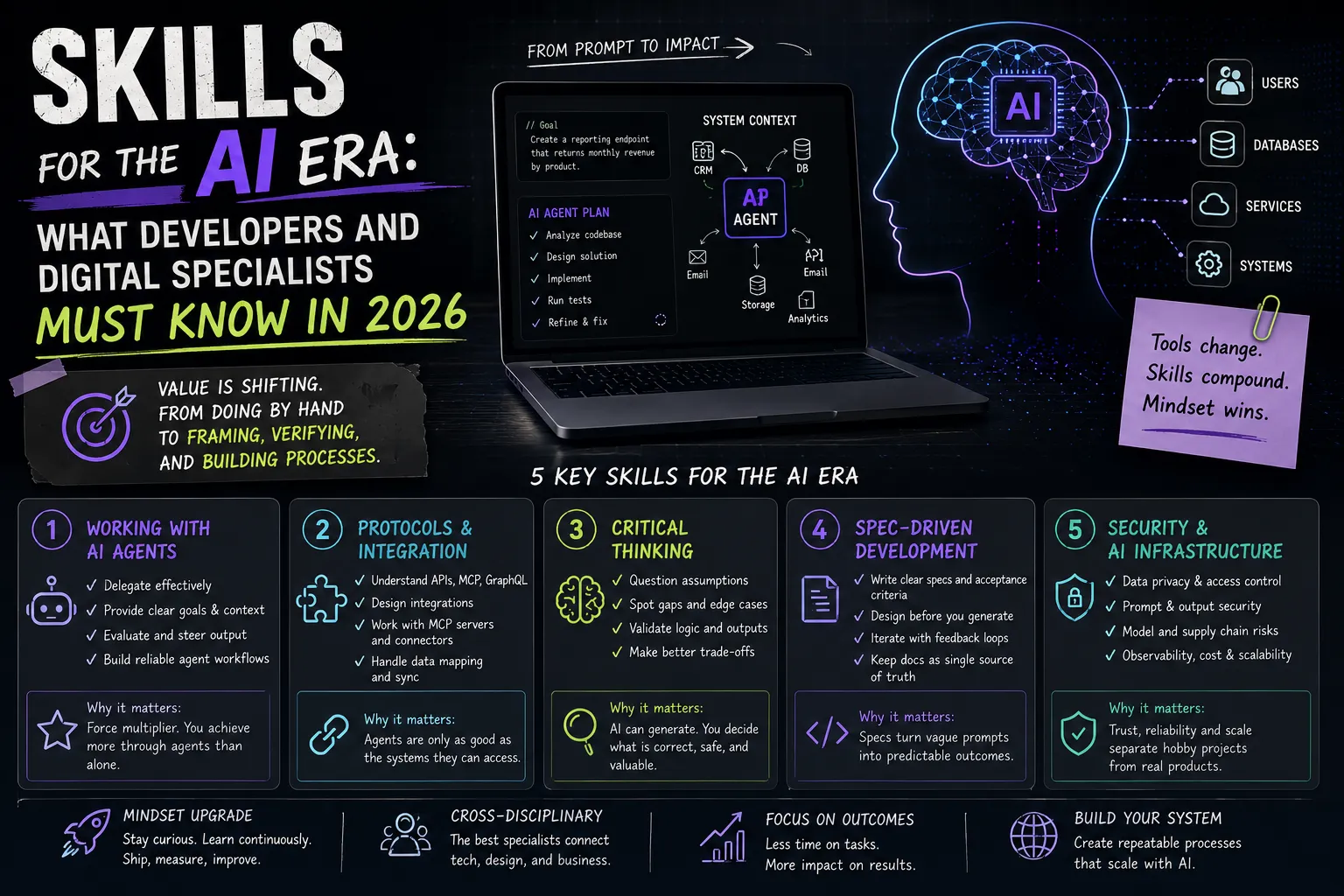
It's worth writing these agreements into a project spec file (for example, AGENTS.md or CLAUDE.md) so both people and agents act by the same rules — code style, conventions, forbidden zones. This ties directly into the spec-driven approach we mentioned in the article on AI-era skills. For a team lead, the main thing isn't the tool itself but the process around it: shared review rules, access policies, and an honest understanding of where AI actually speeds things up and where it just breeds technical debt the whole team later untangles.
A Typical Scenario: Refactoring a Legacy Module
To make the difference fully concrete, take a painful task — refactoring an old module no one has touched in ages. Here's how the two tools naturally combine:
- Recon in Cursor. First you open the code in the editor and ask the AI to explain what the module does and where its boundaries are. Navigation and inline questions give quick understanding with no risk of breaking anything.
- A plan from Claude Code. Next you give the agent a task: "draft a refactoring plan for this module, break it into safe steps, without changing the public interface." The agent reads the whole context and returns a step-by-step plan.
- Execution by the agent. You let the agent do the most routine steps — renaming, extracting functions, updating calls across many files — while you work on something else.
- Manual finishing in Cursor. The finest spots, where every detail matters, you refine by hand in the editor, accepting or rejecting diffs.
- Tests and review. You ask the agent to run the tests and fix small failures, and you do the final review yourself.
This hybrid gives both the agent's speed on volume and the editor's control where it's critical.
Where It's All Heading
The line between the two approaches is gradually blurring. Editors are becoming more "agentic": Cursor already has modes where the AI performs multi-step tasks almost like an autonomous agent. And terminal agents are gaining friendlier interfaces and deeper integration right inside the IDE. The logical vector is convergence: one environment where you switch between "I pilot myself" and "I delegate to the agent" as needed, without changing tools.
That's exactly why you shouldn't "marry" one approach forever — it's more important to understand the principle: when you need full control and when you need autonomy. Whoever masters both modes of thinking adapts easily to any new tool that appears tomorrow, because tools change fast and the principle doesn't. The broader context of this shift is in the article on agent-first development and the overview of the working AI stack.
FAQ
Can I use both at once?
Yes, and it's the most common practice. Cursor for hands-on work in the editor, Claude Code for delegated tasks in the terminal. They don't get in each other's way — they're different places in the workflow.
Which should a beginner choose?
Cursor. A familiar editor interface and full control over each change help you learn from generated code instead of accepting it blindly. Claude Code shines more once you can review quickly.
Does an agent replace understanding the code?
No. Both Cursor and Claude Code only speed up the work — responsibility for quality and security stays with you. Without the ability to read and verify code, either tool will quickly pile up technical debt.
What to Show in Your Portfolio
Being able to work with both approaches is a strong signal to the market. In your project cases, describe not just the result but the process: where you used the editor, what you delegated to the agent, how you reviewed changes. How to build such a case is in the guide How to Make a Portfolio, and for a broader view of AI-era skills, see the article on skills for the AI era.
Add the relevant skills and tools to your profile, tag your project technologies, and see how other specialists present their work.
Ready to act?
- Create your own portfolio: https://searchtalent.dev/en/projects/new
- Skill and technology directory: https://searchtalent.dev/en/talents/skill
- Browse other specialists' projects: https://searchtalent.dev/en/projects
- More articles: https://searchtalent.dev/en/articles