
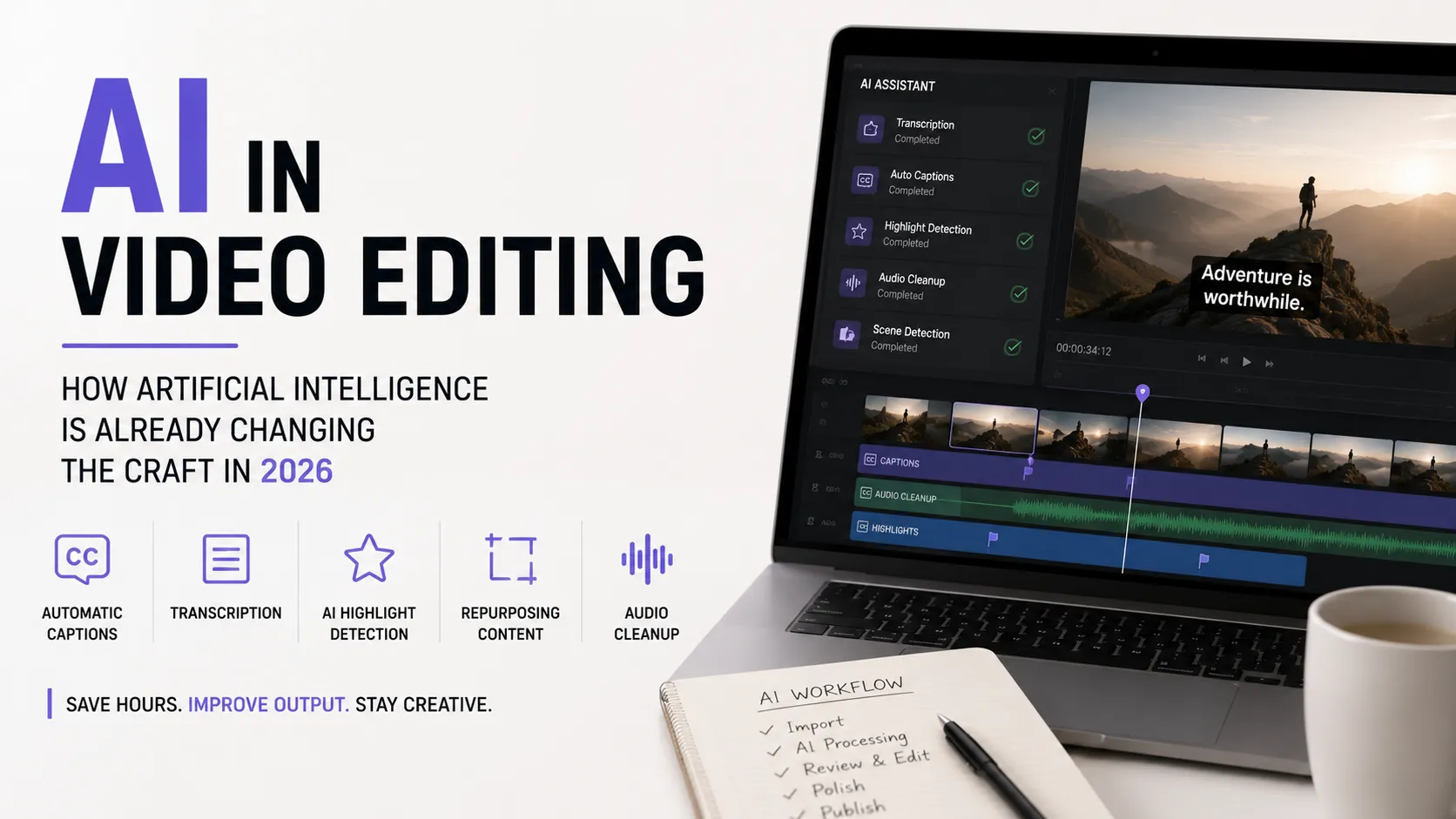
Conversations about AI in video editing usually collapse into two extremes: "AI will replace editors" or "these are toys that fall apart on real projects." In practice, 2026 is delivering a third outcome: AI is not replacing the editor, it is eating the routine — transcription, captions, audio cleanup, hunting for the right take, the first pass at highlights. Exactly the work that consumed hours and gave no creative satisfaction.
That changes the economics of the job. An editor with AI wired into their pipeline handles more work in the same time — not by cutting quality, but by not doing manually what does not need hands. This article covers what AI does reliably, what it does partially, where it still fails, and how to build a process where the machine does the grunt work and the decisions stay human.
What AI Already Does Reliably
This is the part where automation is dependable enough that doing it by hand is simply wasted time.
Transcription and captions
The most mature use case. Speech becomes timecoded text in minutes, and captions land on the timeline automatically. Open speech recognition models — Whisper, for instance — support many languages and have become a standard component inside many tools.
The payoff: what used to be an hour of typing and syncing becomes a ten-minute proofread. But the proofread is always required: names, brands, terminology, punctuation and line breaks are exactly where models slip.
Text-based editing
The transcript becomes the editing interface: delete a sentence in the text and the matching clip disappears from the timeline. For dialogue-driven content — interviews, podcasts, expert video — this is one of the strongest accelerators available: the rough cut of an hour-long conversation assembles in the time it takes to read the transcript.
Removing pauses and filler words
Automatic detection and removal of "uhh," breaths and silence. On dialogue footage this reliably shortens the runtime and immediately lifts the pace. Catching those spots by ear is the dullest part of editing, and it should be the first thing you hand to a machine.
Audio processing
Noise reduction, de-reverb, loudness matching, separating voice from background — all now work at a level that once required a dedicated specialist. It will not rescue catastrophically recorded audio, but it lifts mediocre audio confidently.
Searching the footage
Instead of watching five hours of rushes, you search by transcript and by frame content: where the speaker mentions price, where the product is on camera, where someone smiles. At volume this saves more time than any other feature.
Automatic vertical reframing
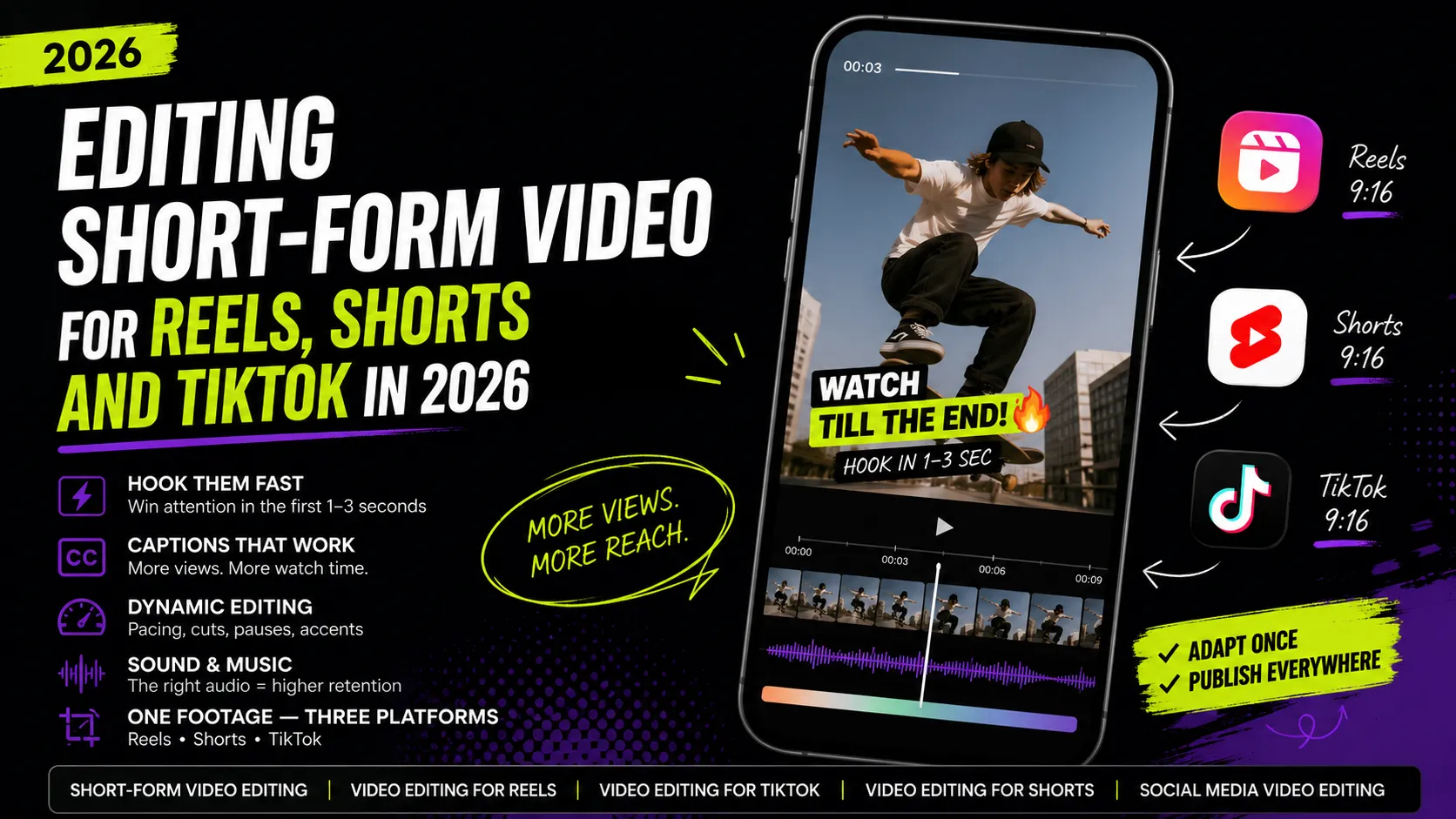
The algorithm tracks a face or the main subject and builds camera movement for 9:16 out of horizontal footage. For talking-head clips the result is usually acceptable straight away; for complex scenes with several people it almost always needs manual correction. The requirements for the vertical frame itself are covered in the article on short-form video editing.
What AI Does Partially
Here the output is useful as a draft, but it cannot ship without an editor.
Highlight detection
Tools find the "interesting" moments in a long video and propose ready-made short clips. As a filter this works very well: an hour of conversation yields fifteen candidates and you never watch the whole thing.
The problem is the criteria. Algorithms key on formal signals — volume, emotion, keywords — and routinely miss the most valuable thing: a quietly delivered but powerful point. Conversely they confidently propose a loud but empty fragment. So the final selection, and the in/out points of every clip, stay human.
Repurposing long video into short formats
The logical extension of the previous point: the system slices a long video into vertical clips, adds captions and reframes. As a starting draft, excellent. As a finished product, almost never: the hook needs manual work, and the fragment boundaries usually sit half a phrase early or late.
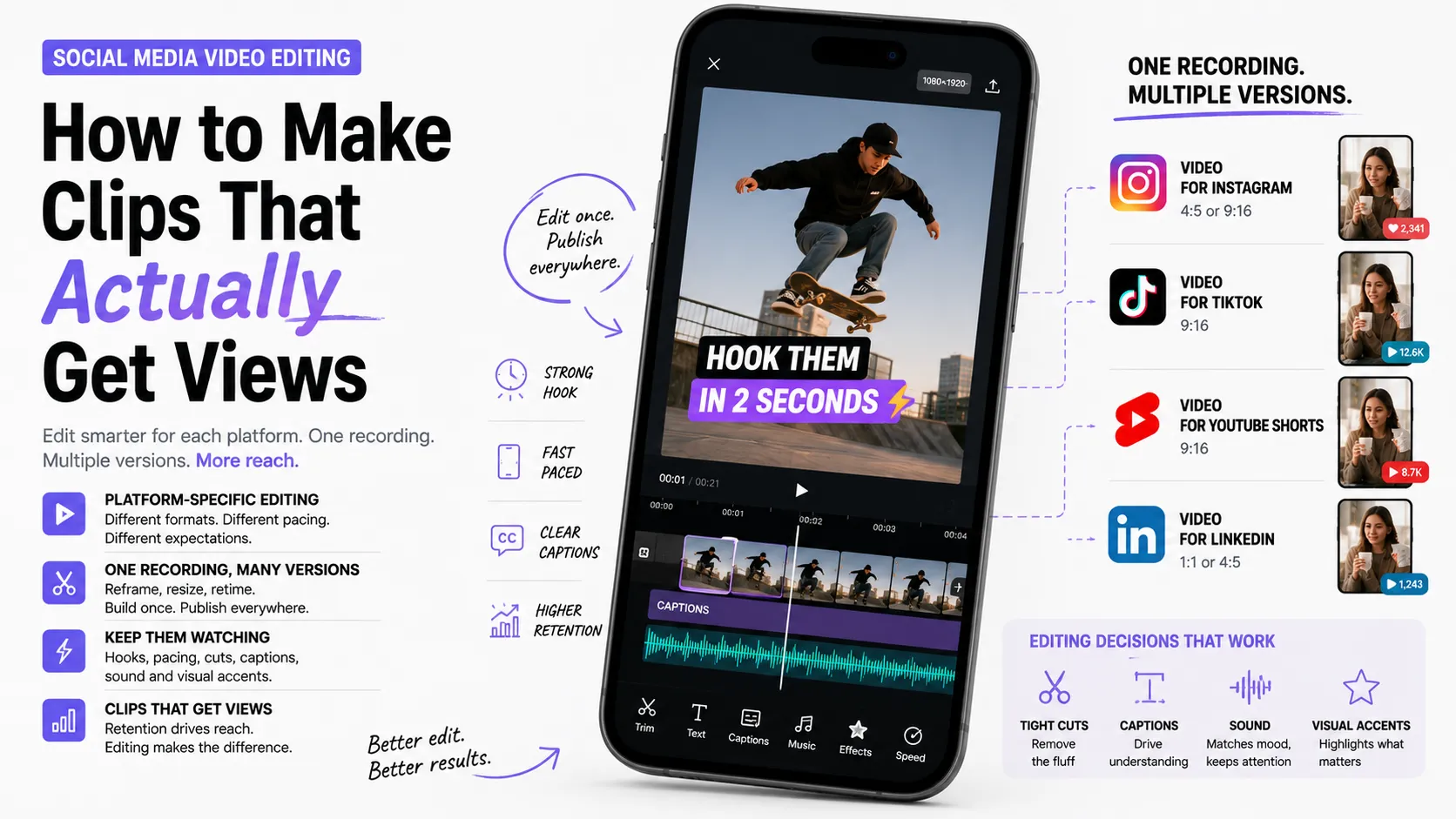
A practical rule: AI gives you 70% of the draft for 5% of the time. The remaining 30% is exactly what separates a clip people watch from a clip people scroll past. How to take that draft to a working state per platform is covered in Social media video editing.
Color correction
Automatic exposure and white balance matching, bringing shots from different cameras to a common look. It covers the baseline well, but an authored look, mood and style remain manual work.
Generating design elements
Background music, sound effects, simple graphic inserts, title variants, upscaling old footage. For generic content that is enough. For a project with a defined brand identity it is not: template output is spotted instantly.
Translation and voiceover in other languages
Automatic caption translation and voice synthesis produce language versions of a clip in minutes. For internal or reference content that works. For public-facing clips, a native review is mandatory: intonation, idiom and terminology are where machine translation is weakest.
Where AI Still Fails
Some of the work has not been automated and will not be soon — because it is about decisions, not operations.
- Intent and meaning. AI does not know what point you want to land or what matters most in the footage. It optimizes form, not substance.
- Dramaturgy. Where to place a pause, when to withhold the answer, how to build escalation — that is instinct, not pattern.
- Taste. A model cannot tell "stylish" from "overloaded" because it aims at the dataset average. The average is precisely what disappears in a feed.
- Client context. Brand tone, sensitive topics, legal constraints, "we can't show that" — all outside automation.
- Accountability. Someone must guarantee that captions did not distort a quote and the cut did not rip a phrase out of context. That is always a person.
- Client communication. Clarifying the brief, proposing a better option, explaining a decision — that is half an editor's value, and nobody automates it.
The AI Pipeline in Practice
A workflow where AI covers the grunt work and the human covers the decisions.
- Transcribe right after ingest. You get timecoded text and, at the same time, a search index across all footage.
- Rough cut in the text. Delete the excess in the transcript and get a first timeline in minutes instead of hours.
- Automatic cleanup. Pauses, filler words, noise, loudness matching — in a single pass.
- Highlights as a candidate list. AI proposes fragments, you choose and set the boundaries by hand.
- Manual structure. Hook, order, accents, rhythm — human only. This is the most important step and it is never delegated.
- Automatic captions plus proofreading. Pay particular attention to names, brands, terminology and line breaks.
- Auto-reframe plus a manual check. Especially in scenes with more than one person on camera.
- Treatment with your own templates. Not generative presets but your signature style — that is what separates you from an automatic cut.
- A final human pass. Mandatory: meaning, quote accuracy, audio, readability on a phone.
The key principle: AI at the input and in the middle, the human at the start and at the end. The machine prepares material and executes routine; the human sets the intent and owns the result.
How Much Time It Actually Saves
No invented percentages — by the stages that carry the most weight:
- Transcription and captions — the largest saving; hours become minutes.
- Searching the footage — grows with the volume of rushes; on multi-hour recordings it is enormous.
- Pause and audio cleanup — a steady saving on every dialogue project.
- Text-based rough cut — substantial for interviews and podcasts, nearly zero for music videos or lifestyle work.
- Highlights and repurposing — savings in selection, not in editing: the clips still need finishing by hand.
- The creative part — no saving at all. And it is what decides whether the video works.
The practical conclusion: AI changes the job most for people editing a lot of dialogue content, and barely at all for people who do few but complex projects.
How to Choose Tools
The market moves fast, so choose by criteria rather than by brand names.
- Built in or separate. AI features already live inside professional editors — see the documentation for Adobe Premiere Pro or DaVinci Resolve. The fewer services between shoot and export, the less time lost to export-import round trips.
- Recognition quality in your language. Test on your own recording with real-world audio, not on a demo.
- Where client data goes. Cloud processing means the footage is uploaded to a server. For NDA projects that may be unacceptable — then you need local models.
- Export into your editor. A tool's value drops sharply if you cannot pull the result out as a timeline or a caption file in a normal format.
- Cost at your real volume. Per-minute pricing can end up more expensive than a subscription if you edit a lot.
- Control over the output. A tool that does everything with one button and no way to adjust is almost always worse than one that hands you an editable draft.
The Legal and Ethical Side
Speed does not remove responsibility — it adds to it.
- Confidentiality. Before uploading client footage to a cloud service, check the contract. An unreleased product, an internal meeting, or personal data on camera are all risk zones.
- Quote accuracy. Automatic captions get names and numbers wrong. An error in a caption is a distortion of what someone said, and the editor owns it.
- Rights to generated assets. Usage terms for generated music, voice and imagery differ between services; for a commercial project this must be verified separately.
- Synthetic voices and faces. Voicing someone in their own voice or altering appearance requires consent, and often a disclosure that the content is generated.
- Honesty with the client. Using AI in your pipeline is normal practice and there is no need to hide it. Passing off a fully automatic cut as an authored edit, however, is not fair dealing.
What This Means for the Profession
The most common question: will the editing profession disappear? Short answer — no, but it changes shape.
- The low end of simple routine disappears. "Cut it and add captions" work gets cheaper because automation covers it.
- Decisions become more valuable. Whoever understands structure, rhythm, audience and business goals gets more expensive, because AI does none of that.
- A new skill appears — pipeline operator. Being able to assemble an efficient chain of tools is itself a competitive advantage.
- The pricing model shifts. Charging by the hour punishes people who work fast. Selling outcome and volume — a package of clips, an episode series, a monthly retainer — makes more sense.
- Demand grows. Cheaper production means more companies order video more often; demand for people who do it well does not shrink.
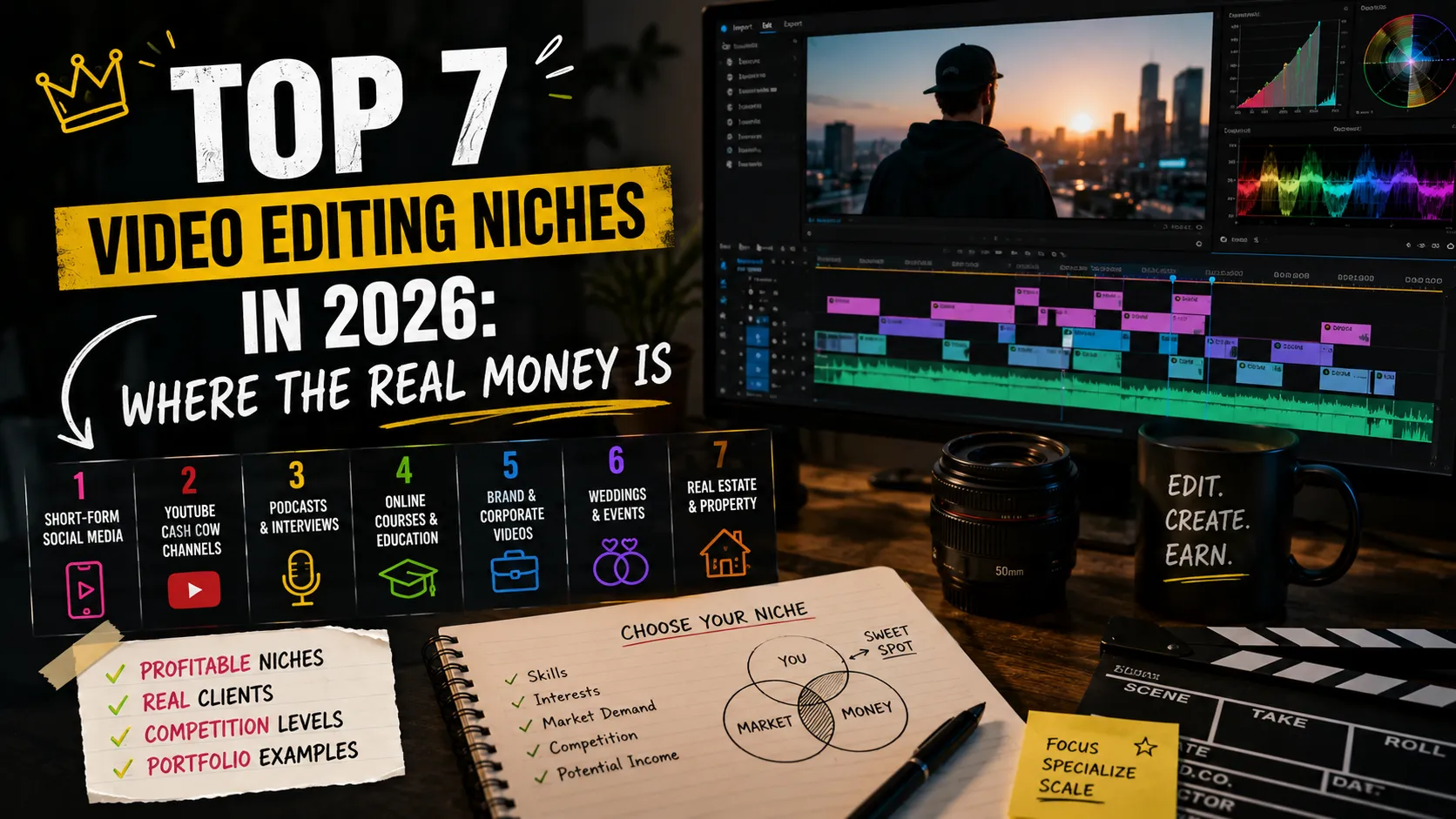
It is the same logic as in other digital professions: tools take the routine and the bar for understanding the task rises. The broader context of that shift is in the article on skills for the AI era, and which video directions monetize best is covered in the breakdown of video editing niches.
Common Mistakes When Adopting AI
- Trusting captions without proofreading. The most frequent and most expensive mistake: names and numbers get mangled regularly.
- Publishing automatic cuts as is. Fragment boundaries almost always need manual work.
- Replacing intent with generation. If a clip was assembled "however it came out," viewers feel it, however many effects it carries.
- Collecting a zoo of services. Five tools with files shuttling between them are often slower than two built into the editor.
- Ignoring NDAs. Uploading someone else's footage to the cloud without permission is a risk no time saving repays.
- Cutting your price in proportion to your speed. Clients buy an outcome, not hours. Speed is your advantage, not a reason to earn less.
- A uniform template style. If your clips look like the default output of an automatic tool, you are competing with a free button.
Key Takeaways
- In 2026 AI takes the routine of editing: transcription, captions, audio and pause cleanup, searching footage.
- Highlights, repurposing and auto-reframing produce a good draft but need manual finishing.
- Intent, dramaturgy, taste, client context and accountability stay with the human.
- The working scheme: AI at the input and in the middle, the human at the start and at the end.
- Choose tools by recognition quality in your language, confidentiality, export and control over the output.
- The profession is not disappearing — simple routine gets cheaper and decisions get more valuable.
FAQ
Will AI replace video editors?
No. It replaces operations, not decisions. Transcription, captions, audio cleanup and preliminary fragment selection are automated — the parts that require no intent. Choosing the main idea, structure, rhythm, and owning the result stay human. What gets cheaper is simple routine, not the profession.
Which tool should I start with?
The one that covers your biggest routine. For dialogue content that is transcription and automatic captions — the largest saving for the smallest effort. Test recognition quality on your own recording in your own language first, not on a demo sample.
Can short-form editing be fully automated?
Technically you can get a finished clip at the press of a button, but the result is average by definition: the algorithm aims at the typical. In a feed where everything competes for attention, the typical is exactly what gets scrolled past. Treat an automatic cut as a draft, not a final.
Is it safe to upload client footage to AI services?
It depends on the contract and the service. If there is an NDA or personal data on camera, check the data processing terms first — or better, use local models that run on your own machine with no cloud upload.
What to Put in Your Portfolio
An AI pipeline is not a case study on its own — what it enabled is. The most convincing angle is volume and speed: "one shooting day into a long video plus 10 shorts in N days," with an explanation of which part automation covered and which decisions were yours.
Always show the authored part: hooks, structure, treatment. The client needs to see that they are buying your judgment, not access to a tool. How to build such a case as "problem → solution → result" is covered in How to make a portfolio. Tag your work with project tags, add skills to your profile, and see how other specialists present their work.
Ready to act?
- Create your own portfolio: https://searchtalent.dev/en/projects/new
- Skills and technologies catalog: https://searchtalent.dev/en/talents/skill
- Browse other specialists' projects: https://searchtalent.dev/en/projects
- More articles: https://searchtalent.dev/en/articles