
"Edit us a video for social media" is a typical brief that leaves out the only thing that matters. A LinkedIn video and a TikTok video are two different products with different logic, even if both were shot on the same day in the same room. An editor who understands that makes clips that work. One who does not delivers the same file to four places and wonders why the numbers differ everywhere.
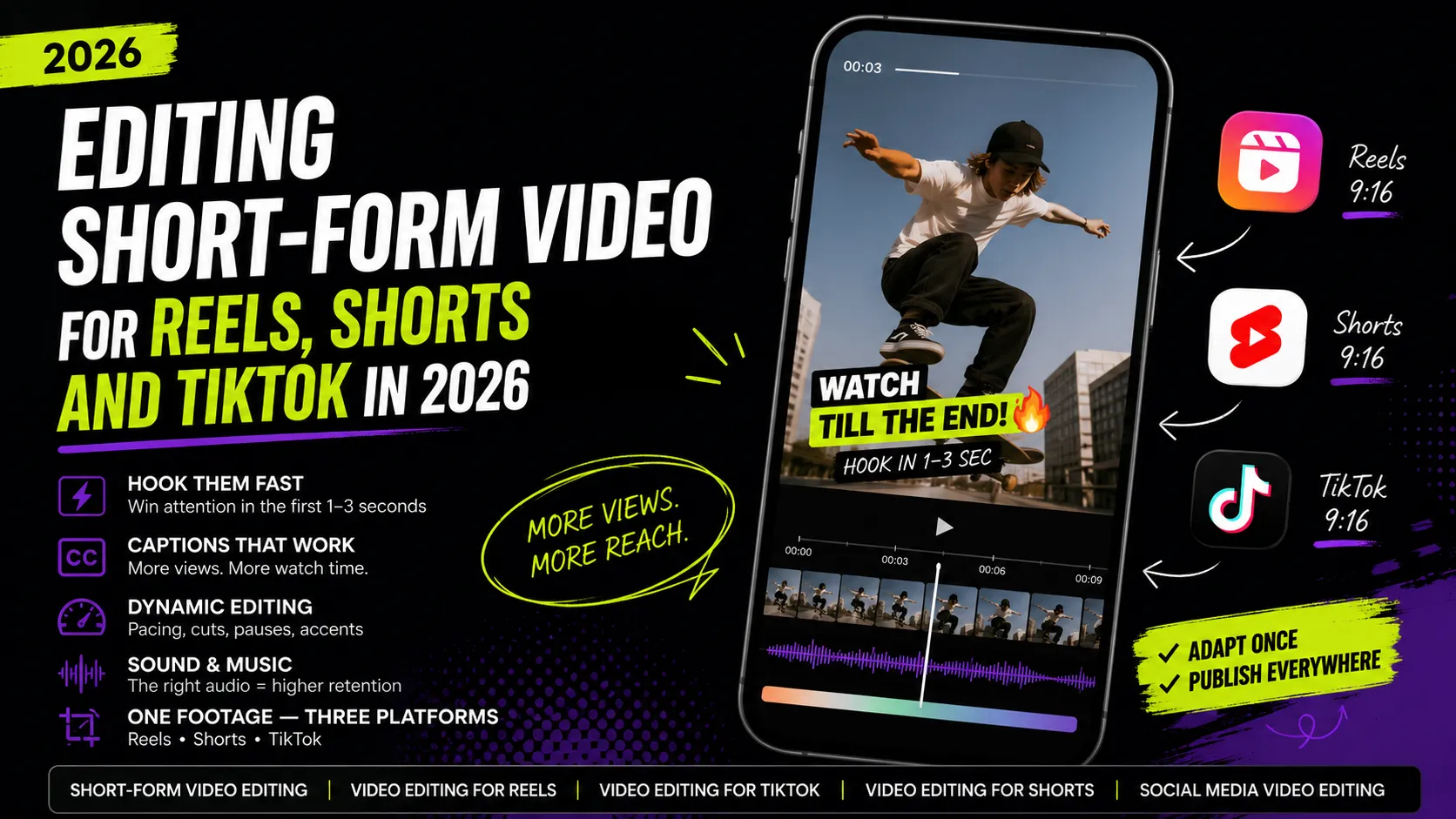
This article is about editing for specific platforms: how they differ in format, pacing and delivery, how to build several versions from one recording instead of four separate shoots, and which editing decisions actually hold viewers to the end. The technical side of short vertical editing is covered in Editing short-form video for Reels, Shorts and TikTok — here we go one level up: how to structure the work around the platform and the client's goal.
Why "Social Media Video" Is Not One Format
Platforms differ not in their buttons but in how a person arrives and what state they are in.
- On TikTok the viewer scrolls for entertainment and novelty — they were not looking for you.
- On Instagram they partly follow people they already know and are used to visually tidy content.
- On YouTube they often arrive with a specific question — even in short video.
- On LinkedIn they are in work mode and are judging you as a professional, not as entertainment.
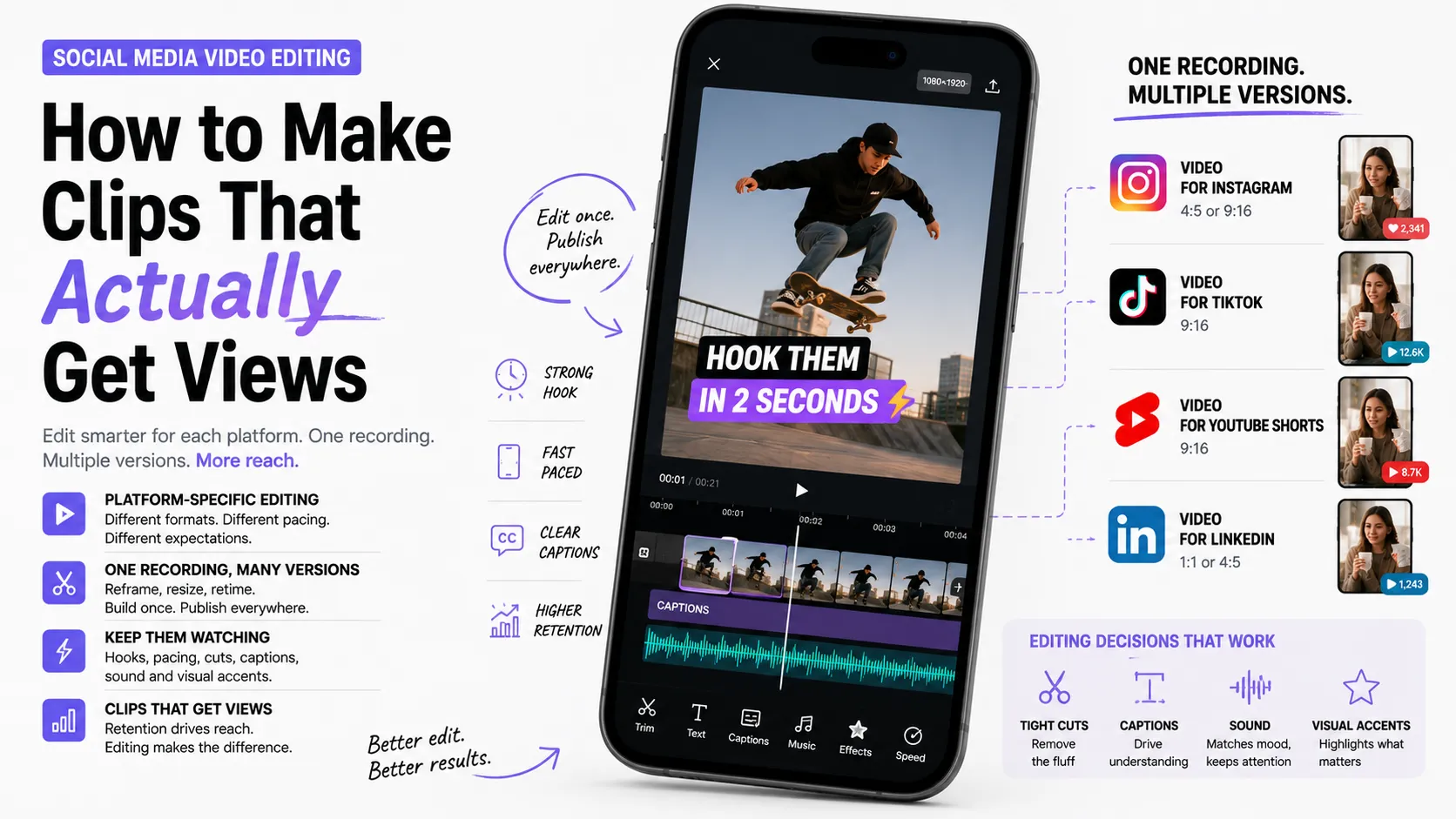
The same footage has to sound different in these four contexts. Not "rebuilt from scratch," but re-accented: a different opening frame, a different pace, a different caption tone, a different length.
Instagram: Polish and Recognizability
Instagram has always been about the visual, and that shows in what works there.
- Format. Vertical 9:16, short clips; longer ones justified when there is a real story.
- Pacing. Dynamic but not choppy. Smoothness is valued as much as speed.
- Opening frames. A visually strong shot works best — clean composition, appealing image, interesting motion.
- Captions. Tidy typography, one typeface, consistent style. Sloppiness shows here: crooked plates and mixed fonts hurt more than anywhere else.
- Style. Recognizability matters: the same grade, the same captions, the same treatment across clips give an account a face.
The typical Instagram mistake is a raw edit with no consistent style. Even useful content loses when the grid looks like a pile of random files.
TikTok: Liveliness Over Polish
TikTok forgives technical imperfection and never forgives boredom.
- Format. Vertical, short clips, often multi-part series.
- Pacing. The fastest of the four: no empty seconds.
- Opening frames. A conversational, direct start works — a blunt line, a reaction, an action already happening. A polished commercial intro, by contrast, reads as an ad and pushes people away.
- Captions. Large, dynamic, often word-by-word (karaoke style). They are part of the rhythm, not just a transcript.
- Style. Less "made": content that looks shot on a phone for people often beats studio work.
The typical TikTok mistake is porting a commercial here as is. The format demands a different intonation even when the product is the same.
YouTube Shorts: Clarity and a Link to Long Content
Shorts live inside an ecosystem that has search, topics and long videos.
- Format. Vertical, short — but with a clear topic you can state in one sentence.
- Pacing. Dynamic, yet with room to explain. Viewers here will wait a little if they see why.
- Opening frames. A "question → answer" or "problem → solution" structure works best: people should immediately grasp what the clip is about.
- Captions. Readable and functional; clarity over effect.
- Style. Shorts work well as a door into a longer video on the same topic — the short answers the question, the long one unpacks it.
The typical Shorts mistake is making a clip about nothing in particular. Without a clear topic the video loses this platform's main advantage.
LinkedIn: A Professional Conversation, Not a Show
LinkedIn is the least obvious video platform, which is exactly why competition there is lower.
- Format. Both vertical and square 1:1 work; clips tend to be short-to-medium.
- Pacing. Calmer than TikTok. Rapid-fire cutting looks out of place here.
- Opening frames. Instead of a trend hook — a concrete claim or result: "here is what we did and what came of it."
- Captions. Mandatory (much of the feed is scrolled muted), restrained in style, no animated fireworks.
- Style. Measured, professional, content-first. Experience and specifics are valued over editing tricks.
The typical LinkedIn mistake is dumping a TikTok clip with a trending sound here. The audience reads it as "this person does not know where they are."
Quick Comparison
Compressing all of the above into one decision table:
PlatformPacingOpening framesToneCaptionsInstagramdynamic, smoothstrong visualaesthetic, recognizabletidy, styledTikTokfastestblunt line, actionconversational, livelarge, rhythmicYouTube Shortsdynamic, clearquestion or problemexplanatoryfunctionalLinkedIncalmerclaim or resultprofessionalrestrained
The table is not about rules but about audience expectations. You can break them — deliberately.
One Recording → Several Versions
The expensive part of content is not the edit, it is the shoot. So the core skill of a social media editor in 2026 is repurposing: extracting the maximum number of content units from one recording.
Step 1. Break the footage into meaning blocks. Watch it through and list the self-contained thoughts: every tip, every example, every strong line is a potential clip. An hour of conversation often yields 6–10 blocks.
Step 2. Score the blocks for self-sufficiency. A good block makes sense with no context: you can start it cold and it needs no explanation of what came before.
Step 3. Build base versions. Each block becomes a short clip with "hook → substance → takeaway."
Step 4. Adapt per platform. The same block:
- on TikTok — with the sharpest start and the fastest pace;
- in Reels — with cleaner treatment and your signature captions;
- in Shorts — with the topic stated clearly up front;
- on LinkedIn — with business framing and the result foregrounded.
Step 5. Assemble a long version. From the same recording — a full video for YouTube or the client's site. The short clips become trailers for it.
Step 6. Keep an archive. File naming, a captions folder, an exports-per-platform folder. By the third client you will thank yourself.
A 40–60 minute recording can realistically become one long video plus 8–10 shorts plus several platform variants. That is what you sell as a service, and it is worth more than "edit one clip."
Three Content Types and What to Do With Them
Different material demands different editing decisions.
Expert video (a person talking)
The core problem is static framing. What makes it watchable:
- ruthless removal of pauses and repetitions;
- changing shot size (two cameras or a digital punch-in) to break the static;
- text cards carrying the key claims;
- illustrative inserts: screenshots, diagrams, the examples being described;
- one idea per clip — experts usually cover three, and those need splitting.
Lifestyle content
Here it is about atmosphere and rhythm:
- edit to music, cut on the beat;
- more attention to color and light: one consistent grade makes a set of shots feel whole;
- minimal text so it does not compete with the image;
- open on the most beautiful or most dynamic frame, never the "setup" one.
Promo clip
The most pragmatic type, where everything serves the action:
- structure: problem → solution → product → call to action;
- the product should appear early, not at the end;
- one specific call to action;
- variation: ads usually need several versions with different hooks for testing, and producing those variants quickly is the editor's job.
Editing Decisions That Hold Viewers
Retention is not one big idea, it is the sum of small decisions.
- A promise made up front and kept at the end. If you said "three ways," the third has to be the best — otherwise people leave after the second.
- No sag. Any second without new information or a new shot risks losing the viewer.
- Visible progress. Numbered steps, a "1 of 3" marker, a background change between parts — the viewer sees movement.
- Deferred answer. Question up front, answer near the end. A classic that works until it turns into bait.
- Variation. Alternate shot types: person, detail, text, demonstration. Monotony is the main cause of drop-off.
- No stretched ending. Once the point is delivered, the clip is over. Goodbyes and subscribe requests after that only hurt completion rates.
- The loop. A last frame that leads logically into the first buys a rewatch for free.
What to Look At After Publishing
An editor who reads the analytics is worth more than one who just delivers files. The minimum set:
- Retention in the first seconds. If most people leave by second three, the problem is the hook, not the topic.
- The retention curve. A sharp drop in the middle points at the exact place where the clip sags. This is the single most useful metric for an editor.
- Rewatches. A high number signals a good loop or dense information.
- Saves and shares. A usefulness signal: people intend to come back.
- Comments. They reveal what was misread — often an editing problem, not a script one.
Every platform exposes basic analytics in its own creator tools — current metric definitions live in the help centers of Instagram, TikTok and YouTube. Turning those numbers into editing decisions is your part of the job, and it is what turns you from a contractor into a partner.
How to Structure Client Work
Craft is half the job. The other half is process.
- Pin down the platform and the goal up front. "For social media" is not a brief. Ask: where is it published, for whom, what action do we expect.
- Agree on the number of versions before starting. How many clips, for which platforms, how many revisions are included.
- Show the rough cut early. Approving structure before effects saves hours of rework.
- Build client templates. Caption style, cards, intro, palette, typeface. That is both speed and brand recognizability.
- Sell packages. "10 clips a month from one shooting day" is a clearer and more profitable offer than "one edit at a time."
- Ask for analytics access. It is both your argument for a higher rate and material for your portfolio.
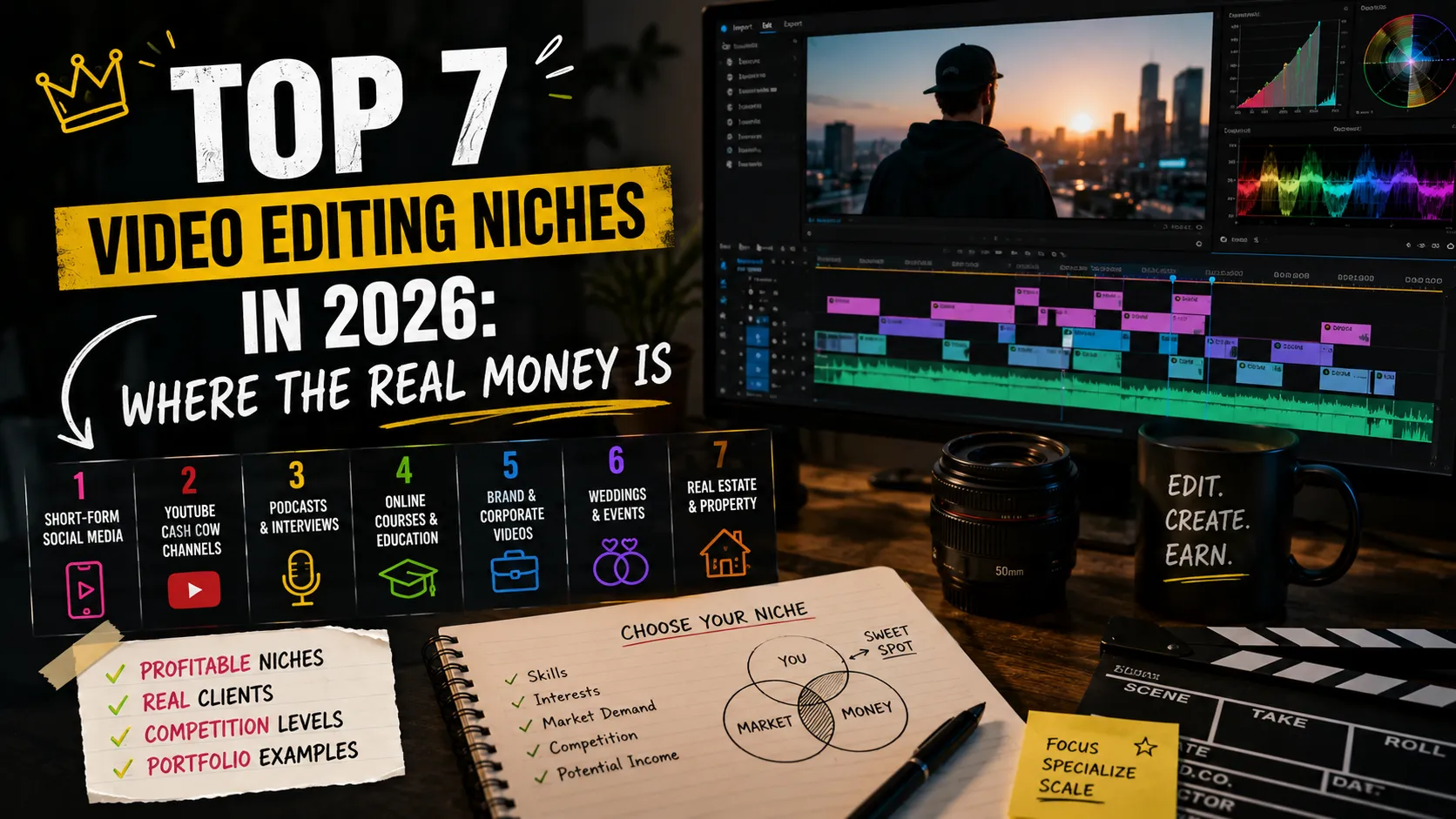
For which video directions monetize best, see the breakdown of video editing niches.
Common Mistakes
- One file for every platform. The fastest route to mediocre numbers everywhere.
- Another platform's watermark. A TikTok-branded clip in Reels reads as reposted third-party content.
- Horizontal video in a vertical feed. Bars top and bottom eat half the frame area.
- No consistent style. Every clip treated differently — the account never becomes memorable.
- Captions under the UI. Text covered by a button or a handle simply does not exist for the viewer.
- Trends for the sake of trends. A trending sound in a clip that does not fit annoys more than it helps.
- A stretched intro. On social media an intro is a luxury nobody pays for.
- Ignoring analytics. Without feedback the same mistakes repeat clip after clip.
Key Takeaways
- "Social media video" is not one format: platforms differ in viewer state, pacing and tone.
- Instagram — polish and style; TikTok — liveliness and speed; Shorts — topical clarity; LinkedIn — professionalism and specifics.
- The core skill is repurposing: one recording → a long video + a series of shorts + platform variants.
- Expert, lifestyle and promo video each demand different editing decisions.
- Retention is built from small things: a kept promise, no sag, shot variation, a short ending.
- Working with analytics turns an editor from a contractor into a partner — and raises the rate.
FAQ
Can I publish one video to every platform?
You can, but it is almost always the losing option. The minimum worth doing is removing watermarks, checking caption position against each platform's UI, and adjusting the opening. That is a few minutes of work with a visible difference in results.
What video length works best on social media?
The one that matches the content. A short clip watched to the end almost always beats a long one closed halfway. Reference: on TikTok and Reels be as tight as possible; on Shorts tight but with a clear topic; on LinkedIn slightly longer is fine if there is substance.
What matters more — image quality or editing?
For social media, editing. Perfectly shot footage with sluggish pacing and a weak start gets no views, while simple phone footage with precise editing does. Image quality becomes decisive only in premium formats such as brand films or real estate.
How many clips should come out of one recording?
As many as there are self-contained ideas in it. An hour of conversation usually gives 6–10 shorts plus a long version. Slicing further is chopping for volume, and viewers feel it.
What to Put in Your Portfolio
The strongest case for this niche is not a single clip but a system: show one source recording and everything that came out of it across four platforms. That demonstrates editing, platform understanding and the ability to work at volume all at once.
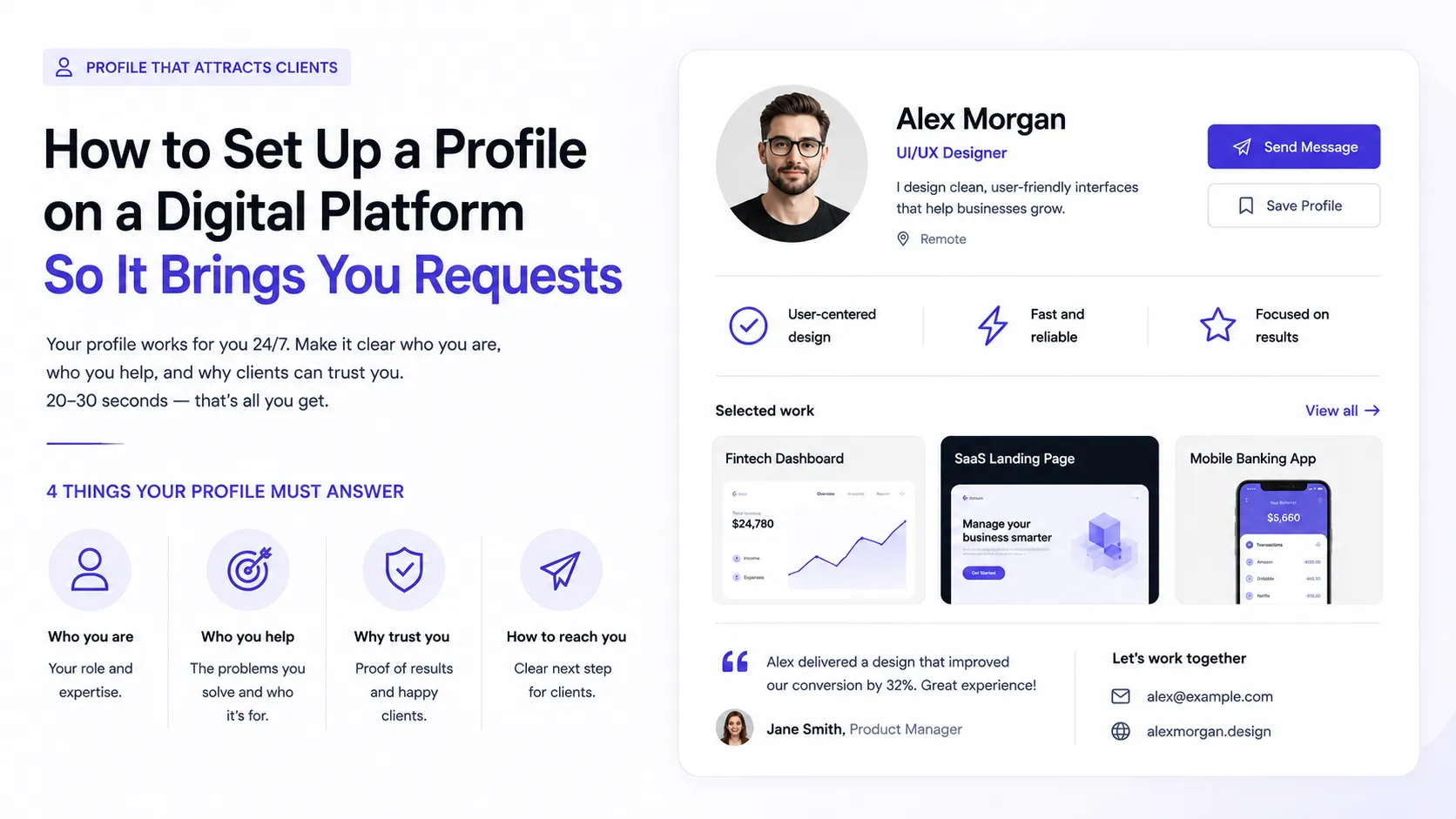
Add numbers if the client shares them: retention, views, saves. How to structure the case as "problem → solution → result" is covered in How to make a portfolio. Tag your work with project tags, add skills to your profile, and see how other specialists present their work.
Ready to act?
- Create your own portfolio: https://searchtalent.dev/en/projects/new
- Skills and technologies catalog: https://searchtalent.dev/en/talents/skill
- Browse other specialists' projects: https://searchtalent.dev/en/projects
- More articles: https://searchtalent.dev/en/articles