
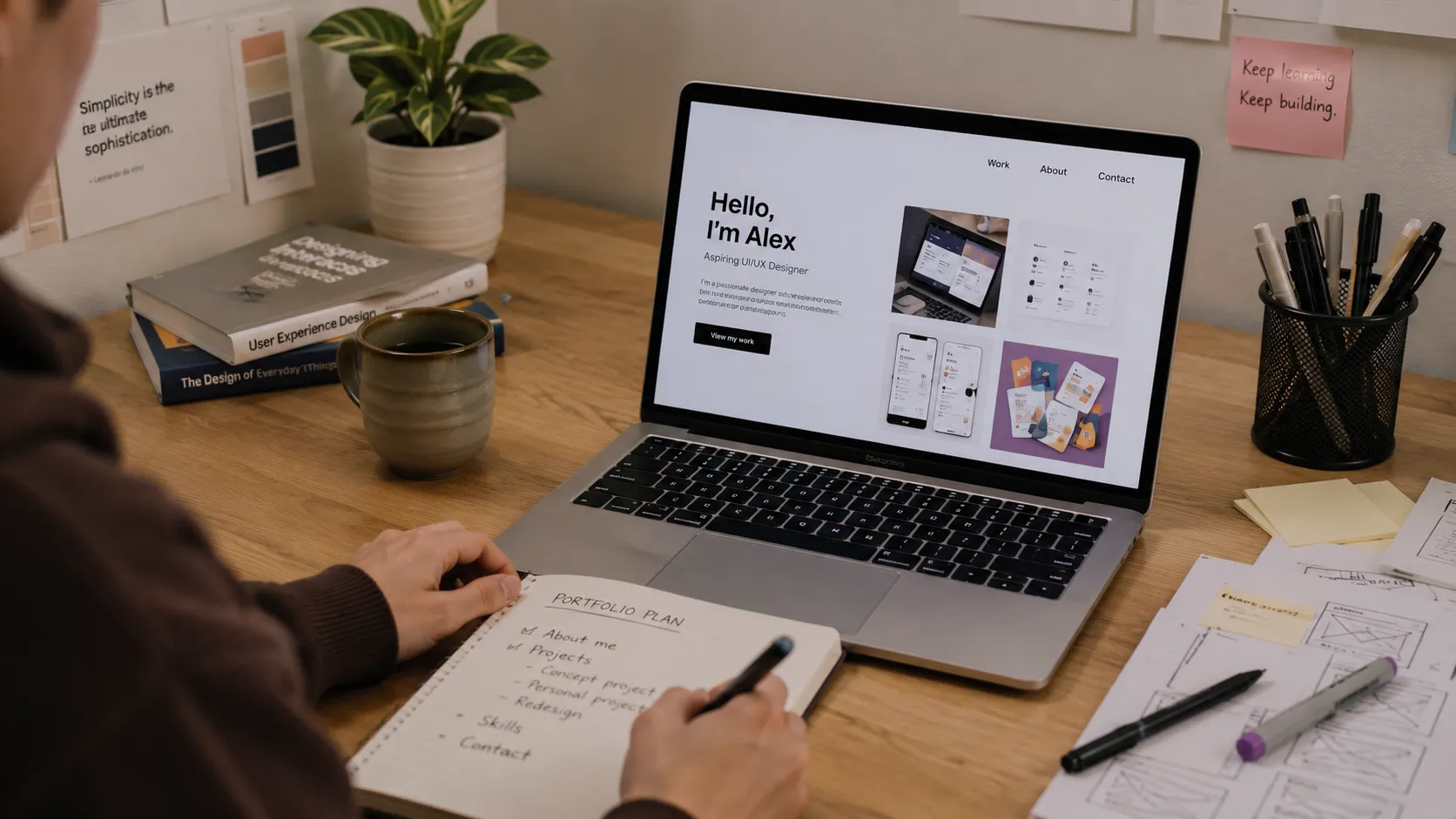
Yes, you can build a portfolio without experience — and it is a normal way to start, not an exception. If you have never had a paying client or an official job, you can still put together a first portfolio that convinces people. What convinces is not the stamp "worked at company X," but concrete work someone can actually look at. This guide breaks down how to make a portfolio with no experience step by step: where to find projects, how to present them honestly and credibly, and which mistakes to avoid.
The short answer up front: take 2–4 finished projects (study work, personal builds, concepts, open-source, or challenges), describe each as a small "problem → decision → result" story — and your first portfolio already works in your favor.
Why Projects Beat Job TitlesWhoever opens your portfolio wants to understand one thing: what you can actually do and how you think. A job title does not show that. A project does. It demonstrates your decisions, your care, your taste, and whether you finish what you start.
That is exactly why a beginner portfolio with no work history often beats a junior candidate whose résumé has a line about an internship but nothing you can open and look at. Work that is visible outweighs a position that is merely named.
Where to Get Projects Without a JobThis is the core question, and there are more answers than it seems. Sources you can realistically use to build a portfolio without experience:
- Personal projects. Build something that solves your own small problem: a habit tracker, a budget tool, a generator. Personal motivation tends to mean a project you actually finish.
- Redesigns and concepts. Take a site or app you use and rework a screen or a flow. Explain what was wrong and why your solution is better.
- Open-source. Even a small contribution — fixed docs, a translation, a minor bug fix — is real collaboration in a real repository.
- Study and course projects. What you built while learning counts too. Just don't leave it identical to everyone else's — add your own detail.
- Volunteer and pro-bono work. A landing page for a local cause, a site for a friend, a tool for a community — these are real clients with real requirements.
- Clones with your twist. Rebuild a known product, but add one idea of your own: a different data approach, a new feature, a simpler interface.
- Challenges. Frontend Mentor, Kaggle, and similar platforms give ready briefs with requirements — almost like a real spec.
Don't hide that a project is a study build or a personal one — that is not a weakness. The weakness is passing off a concept as a paid contract. Honesty earns trust; trying to blur the context does the opposite.
For each piece of work, answer three things in plain language:
- What was the task or constraint? The real one, not a polished version.
- What did you try, and what failed? This shows your thinking.
- Why does the final decision make sense? Even if it isn't the prettiest option.
Add a link to the live project or repo, a few screenshots, and an honest caption: "study project," "concept," "pet project." A concept's real result can simply be: "built it to learn how to work with an API" — and that is perfectly fine.
How to Structure a Beginner PortfolioA beginner portfolio does not need to be large — it needs to be clear. Three or four strong pieces beat eleven weak ones. A structure that works:
- One line about you at the top. Not a slogan, but a human sentence: "I build responsive interfaces and learn on real tasks."
- 2–4 projects, each presented as a mini case study with a problem, a decision, and a result.
- Stack inside the project, not as a list. "Built it in Next.js because SEO mattered" says more than a tag soup.
- A simple contact line. An email and an honest "I read everything, I reply within a day" work better than a form.
If you don't know where to start, move through these steps:
- Pick a direction and look at 5–7 other portfolios — you'll learn the bar and the format.
- Choose 3–4 project ideas from the sources above. Pick the ones you'll actually finish.
- Build each project to a working state — fewer is fine, but finished.
- Push the code to GitHub and, where possible, put up a live demo.
- Write a short description for each project using the "problem → decision → result" shape.
- Gather it all in one place — a profile with projects instead of a dozen scattered links.
- Show the portfolio to two or three people, collect feedback, and edit.
- Quantity over quality. Ten identical tutorial clones are weaker than three original builds.
- Screenshots with no context. Without describing decisions, no one can see how you think.
- Hiding that a project is a study build. An honest caption is stronger than a hint of a paid contract.
- Endless "I'll perfect it." A finished simple project beats a forever-unfinished perfect one.
- A tag soup of a stack. Listing technologies with no "why" tells the reader nothing.
External resources that give you tasks and material for a first portfolio (at the domain level):
- Frontend Mentor — real design briefs with requirements to code against.
- freeCodeCamp — study projects and certification challenges.
- GitHub — code hosting, open-source, and "good first issue" tasks for your first contributions.
- Kaggle — datasets and competitions for data projects.
- Dribbble and Behance — inspiration and briefs for redesigns and concepts.
Can you build a portfolio without experience? Yes. A portfolio without experience is built on study, personal, concept, and open-source projects. What matters is not the job title, but the work people can see.
How many projects does a first portfolio need? Three or four finished, well-described pieces are enough. For a beginner portfolio, depth matters more than quantity.
How do I make a portfolio with no experience if I'm still studying? Take your course and study projects, add your own detail to each, and describe your decisions. That is the working answer to how to make a portfolio with no experience.
Ready to start?- Create your first project: https://searchtalent.dev/en/projects/new
- Browse example projects: https://searchtalent.dev/en/projects
- More tips in our articles: https://searchtalent.dev/en/articles