
A designer portfolio is not a gallery of pretty pictures — it's proof of how you think and solve problems. The strongest portfolio examples share one trait: behind every piece you can see the context, the process, and the outcome, not just the final render. In this guide we'll break down the anatomy of a convincing portfolio, how approaches differ across specialties, how many works to show, and where to find quality inspiration — without copying it blindly.
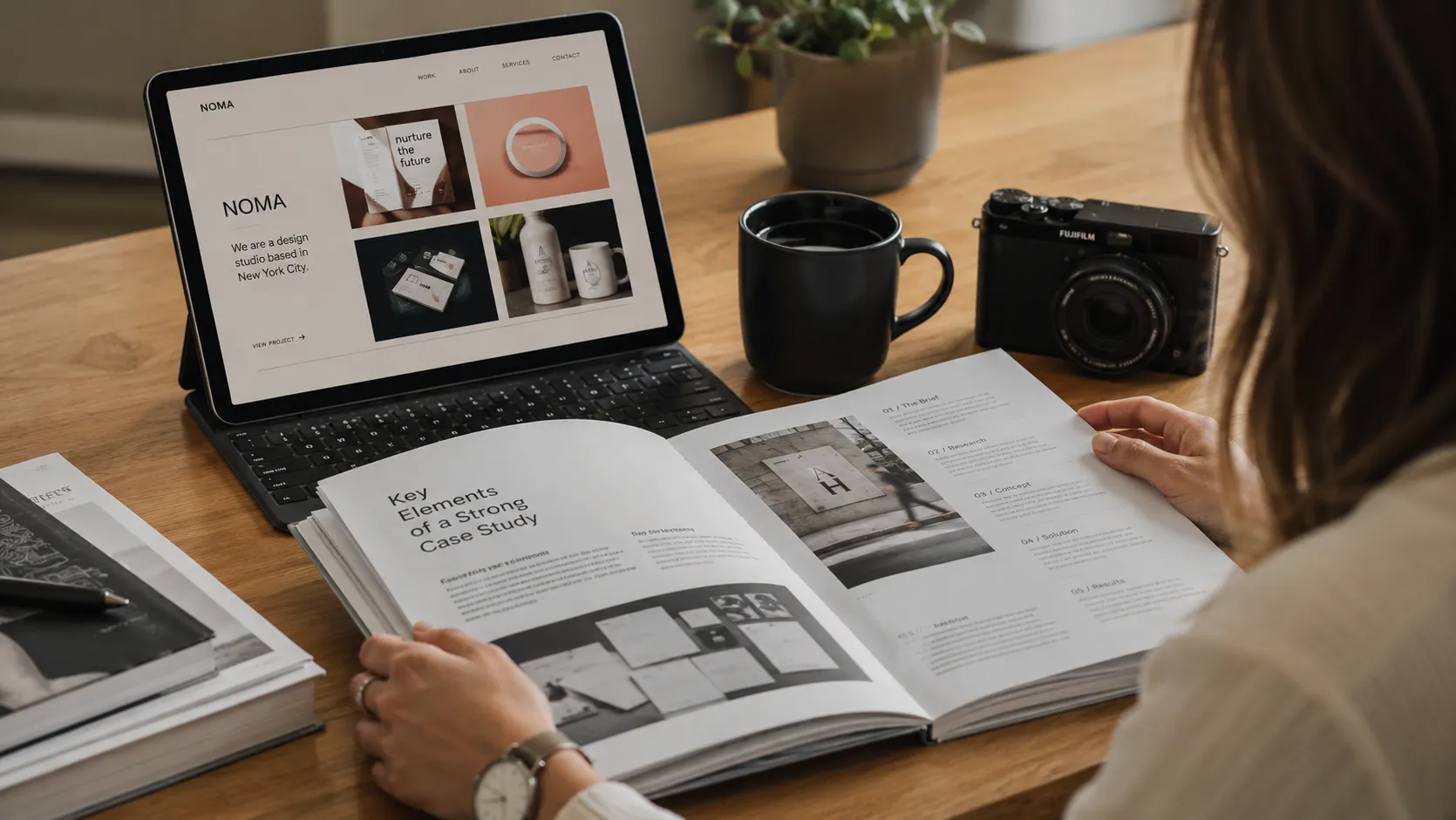
Anatomy of a Strong Designer PortfolioThe first thing that separates a professional designer portfolio from a student one is the presence of case studies, not just images. A case study tells a story: what the task was, what constraints existed, how you approached it, and what changed afterward. A beautiful mockup with no context proves nothing — it could be a personal experiment or a copy of someone else's idea.
A strong portfolio has a clear structure: a short positioning intro (who you are and what your strength is), 4–8 key projects, contact information, and — where possible — a few words about how you work. Avoid overload: a recruiter or client spends 30–60 seconds on a first impression, so the essentials must be visible immediately.
Graphic, UI/UX, and Illustration FocusHow you present work depends on your specialty. A graphic designer portfolio is built around a visual system: logos, identity, packaging, print. Here it matters to show variety of application — how a mark lives across different media, not a single static logo.
A UI/UX portfolio, by contrast, sells thinking: research, user flows, prototypes, problem-solving. Aesthetics are secondary to logic — you should show why a screen looks the way it does. An illustration portfolio allows more emphasis on style and technique, but even here it helps to explain context: for which brand, with what brief, in which format.
How Many Works to Include and How to CurateFewer, but better. Five outstanding projects beat twenty mediocre ones, because an audience judges you by your weakest piece, not your average. Every weak example drags down the overall impression.
Curation means deliberate selection toward a goal. If you want branding work, most of your case studies should be about branding. Show variety within your direction: different industries, scales, and problem types. One or two personal projects are fine if they demonstrate initiative and taste, but commercial cases with real constraints are always more valuable.
Presenting Case Studies: Context → Process → OutcomeThe strongest case-study structure is narrative. Start with context: who the client is, what the problem was, what constraints applied (time, budget, brand guidelines). Then show the process: sketches, iterations, rejected directions, key decisions. The process is what proves the result wasn't accidental.
Finish with the outcome. If you have metrics — conversion went up, task time dropped, the brand relaunched on schedule — name them. If there are no metrics, describe the qualitative result: what the client approved, how the solution addressed the original problem. Add captions to your images — they guide the eye and explain what to look at. A silent grid of screenshots forces the viewer to guess; a caption makes your reasoning explicit.
Where to Find Designer Portfolio Examples for InspirationStudying others' work is useful — as a benchmark for quality, not a template to copy. A few authoritative sources:
- Behance (behance.net) — the largest case-study library, by Adobe. Its strength is detailed, fully developed cases with visible process, especially in branding and graphic design. A great place to see how others structure a narrative.
- Dribbble (dribbble.com) — focused on "shots": small visual fragments of UI and illustration. Useful for trends and execution detail, but keep in mind it's a showcase, not full case studies.
- Awwwards (awwwards.com) — award-winning premium websites. Best for inspiration in interactivity, typography, and high-end motion.
- ArtStation (artstation.com) — the benchmark for illustrators, concept artists, and 3D designers.
- Muzli (muzli.com) — a daily design-trend digest; handy for keeping a finger on the pulse.
When studying examples, ask not "how does this look" but "why does this work": how is the narrative built, where are the emphases placed, what did the author choose not to show.
Common Mistakes in Designer Portfolios- Quantity over quality — dozens of weak works drown out the strong few.
- Final renders only, no process — they don't prove your thinking.
- No context — the viewer can't tell what problem you solved.
- Staleness — five-year-old work with no recent cases signals stagnation.
- Poor navigation — if contacts or a case study are hard to find, you lose part of your audience right there.
- Others' work without attribution — describe team projects honestly and state your role.
How many works should a designer portfolio include? Aim for 4–8 carefully selected projects. That's enough to show range without diluting the impression with weak pieces. Always judge by your weakest case — that's what people will judge you on too.
How does a graphic designer portfolio differ from UI/UX? A graphic portfolio demonstrates a visual system and variety of application (identity, packaging, print), while a UI/UX portfolio sells the thinking process: research, flows, prototypes, and the reasoning behind decisions.
Do I need personal projects in my portfolio? Yes, one or two are appropriate — they show initiative and taste. But commercial cases with real constraints are more convincing, so they should form the core.
Time to Show Your WorkThe best portfolio is one that exists and stays current. Don't wait for the "perfect" moment: publish your cases, gather feedback, and keep refining.
Get started- Publish your portfolio: https://searchtalent.dev/en/projects/new
- Browse designers' projects: https://searchtalent.dev/en/projects
- Find designers: https://searchtalent.dev/en/talents