
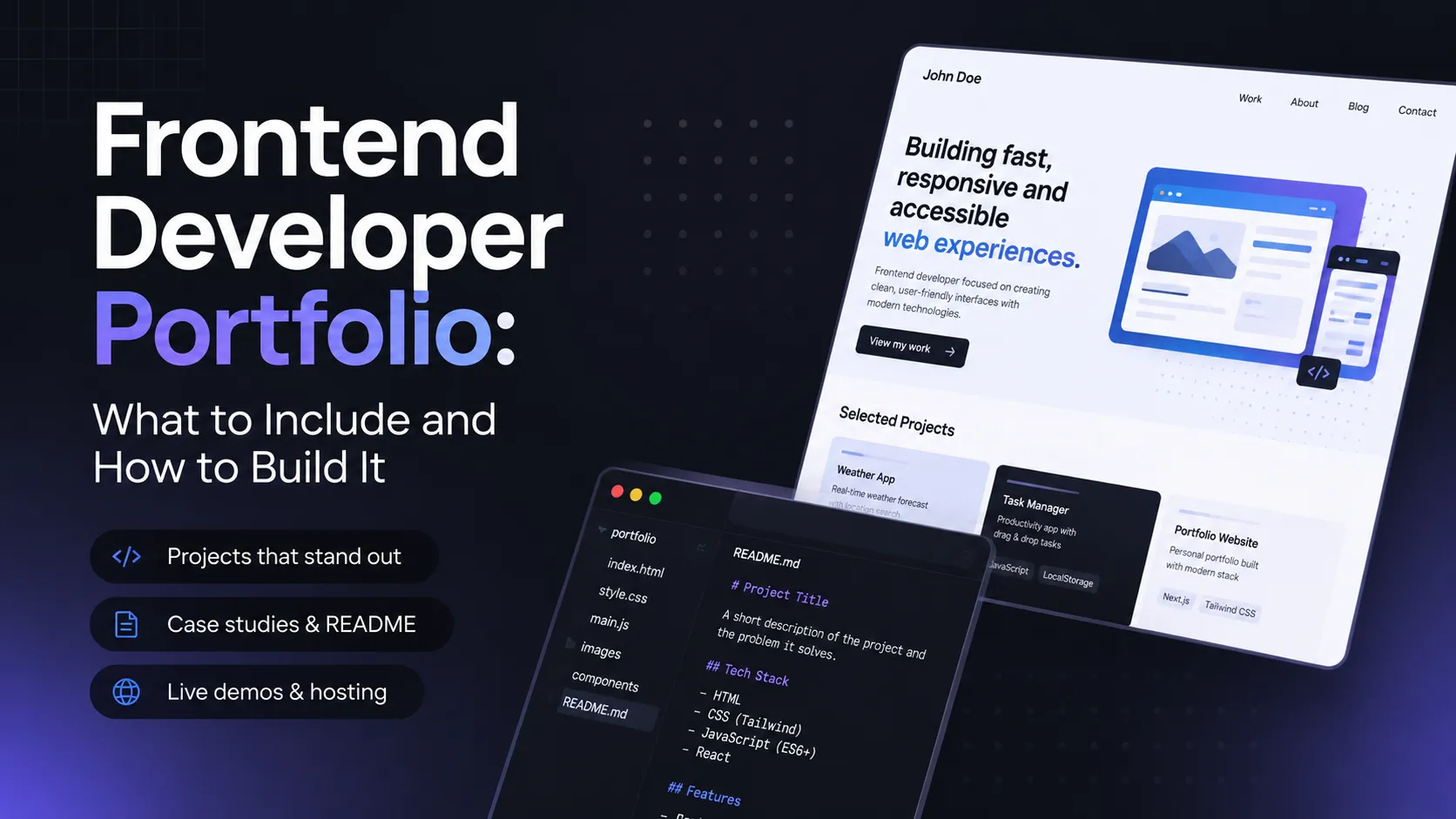
A strong frontend developer portfolio is not a long list of technologies — it is a handful of projects someone can open, click through, and read to see exactly what you did. A recruiter or tech lead spends a minute or two on a first glance, and in that time your front-end portfolio has to answer three questions: what you can build, how you think, and whether you ship work to a working state. Below is a concrete breakdown of what to include, how to present each project, and where to put it all so your developer portfolio works for you instead of sitting there as dead weight.
How Many Projects and Which Ones: 3–5 Strong Beats 15 Weak
The most common mistake is trying to impress with volume. Ten tutorials copied line by line say less than three projects taken all the way to done. The sweet spot for a web developer portfolio is 3–5 projects, each of which you can defend in an interview: explain why you chose that stack, where the hard part was, and how you solved it.
Select by the test of "would I be embarrassed to show this code." If a project is two years old, the layout is broken, and the repo won't open, it hurts you rather than helps. Fewer is better — as long as every link works and every README explains the context.
What Makes a Good Frontend Project: Live Demo + Repo + README + Your Role
A single project in a frontend developer portfolio rests on four things:
- A live demo. A working link that opens in one click, no local setup required. No demo, no project: nobody will clone a repo just to look at a button.
- A public repo. Clean code, sensible commits, no commented-out walls of text, and no
node_modulesin git. - A README with context. What it is, why it exists, the stack, how to run it, and which decisions you made.
- Your role. If it is a team project, state clearly what you did: components, state, API integration, reviews.
When those four elements are in place, the project reads on its own, without extra explanation from you.
Which Project Types to Have in Your Portfolio
So your developer portfolio shows range rather than the same task five times, cover a few distinct types:
- A responsive UI. A page or interface that looks correct from mobile to desktop. This is the baseline signal that you actually know layout, not just a framework.
- An app that consumes an API. Requests to an external service, handling loading and error states, caching. It shows you work with real data, not only static markup.
- Something with state or auth. A cart, a dashboard, a validated form, a login flow. This is where more complex logic and state management become visible.
- A clone with a twist. Recreate a familiar interface (a player, a task tracker, a feed), but add your own angle — an extra feature, better UX, or a non-trivial technical detail.
Four projects like these already paint a complete picture of your level.
README and Case Study: The Text That Sells the Work
The README is the face of a repo, but a full case study goes further. A good project writeup in a front-end portfolio answers questions in this order: problem → solution → stack → your contribution → what's next.
Don't narrate the code line by line. Explain why the project exists and what decision you made. For example: "Chose client-side rendering because the data is personal and SEO isn't needed," or "Pulled the request logic into a separate layer to keep components clean." One or two screenshots or a short video at the top of the README save the reader time and show the result immediately. This text is exactly what separates a real web developer portfolio from a bare list of GitHub links.
Where to Host and Show Your Work
Frontend has a huge advantage: almost everything can be shown live for free.
- GitHub Pages — for static sites and simple SPAs straight from the repo.
- Vercel — the smoothest path for Next.js and React apps, deploys in minutes.
- Netlify — a versatile option for static and JAMstack sites, with preview builds on every PR.
The rule is simple: every project in your portfolio should have a working demo link next to the link to the code. If a demo needs a backend, stand up a mock or a free host — but never leave a project without a live version.
Tech Stack and Code Quality Signals
Show the stack in your frontend developer portfolio honestly: don't list 20 technologies you are "a little familiar with." Depth in the essentials — HTML/CSS, JavaScript/TypeScript, one framework (React/Vue/Svelte) — beats a shallow laundry list.
Signals that raise trust in your code: consistent formatting (Prettier/ESLint), meaningful component and variable names, no dead code, basic tests where they make sense, and a clear folder structure. A technical reviewer will open the repo and within a couple of minutes know whether you wrote it for people or just to "make it work."
Common Mistakes That Keep a Portfolio From Working
- No live links. Screenshots only, or code with no demo — half the impression is lost.
- Dead repos. A link to a 404, or a project that won't build. Check everything before you publish.
- No context. A repo with no README, a project with no statement of your role — the reader has no idea what they're looking at or what you actually did.
- Copied tutorials with no changes. Spotted instantly and it devalues the rest.
- Drowning in volume. Fifteen half-finished projects make a worse impression than three finished ones.
External Resources: Where to Host and Where to Practice
If you are short on projects, there are proven places to build skills and have something to show right away:
- Frontend Mentor (frontendmentor.io) — real design challenges with mockups; perfect for the "responsive UI" type.
- CodePen (codepen.io) — quick UI and animation experiments, easy to embed in case studies.
- GitHub Pages (pages.github.com) — free demo hosting.
- Vercel (vercel.com) and Netlify (netlify.com) — deploy dynamic apps and previews.
These five resources are enough to build a complete frontend developer portfolio from scratch.
FAQ
How many projects should be in a frontend developer's portfolio? Three to five strong projects are enough. Each should have a live demo, a clean repo, and a README with context. Quality and completeness matter more than count.
Can I include clones of well-known sites in my portfolio? Yes, as long as you add your own twist — a new feature, better UX, or a non-trivial technical solution — and state honestly that it's a learning clone. A word-for-word tutorial repeat adds no value.
What matters more in a developer portfolio — design or code? For frontend, both matter, but above all the working result and readable code. A nice interface draws people in, but it is code quality and a clear README that convince a tech lead.
Build Your Portfolio on SearchTalent
Ready to show your work? Add a project with a demo, a repo, and a description of your role — and your frontend developer portfolio will start working for you.
- Add your project: https://searchtalent.dev/en/projects/new
- Browse community IT projects: https://searchtalent.dev/en/projects
- Find developers: https://searchtalent.dev/en/talents