
"A designer draws pretty screens" — that's what most people think until they try it themselves. In reality, design is first about usability, not beauty. In this article we will unpack what a UX/UI designer is, how UX and UI differ, what they do day to day, which skills and tools they need, and how to enter the profession from scratch.
What a UX/UI Designer Is, in Plain Words
A UX/UI designer is someone who makes a digital product both usable (UX) and clear and pleasant to look at (UI).
In plain terms: the designer is responsible for helping a user reach their goal easily — find a product, place an order, fill out a form — without frustration along the way. Good design is almost invisible: everything simply works the way you expect.
UX and UI: The Difference
These are two different, though closely linked, things that people often confuse.
- UX (User Experience) — the user's experience: logic, structure, usability. It answers "how does this work and is it easy to use."
- UI (User Interface) — the interface: colours, fonts, buttons, spacing. It answers "how does this look."
A simple analogy: a house
Imagine the product is a house.
UX is the floor plan: where the entrance is, whether it's convenient to move between rooms, whether you keep bumping into corners. You can build beautiful walls, but if the bathroom is behind three doors, living there is uncomfortable.
UI is the finish: wall colour, furniture, lighting. It makes the space pleasant, but it can't rescue a bad floor plan.
That's why UX and UI work as a pair: a usable but ugly product puts people off, while a beautiful but confusing one frustrates them.
What a UX/UI Designer Does: Typical Responsibilities
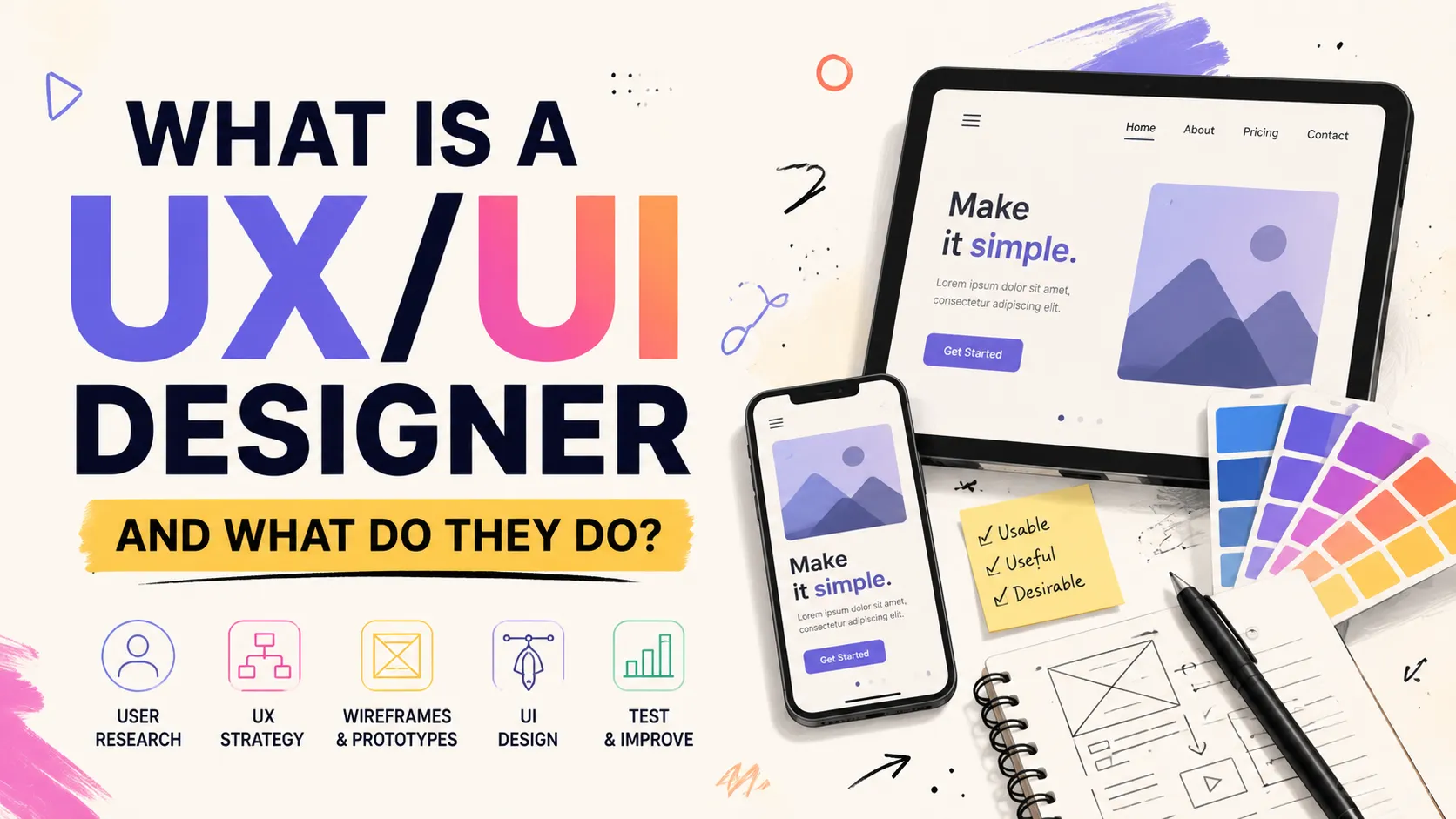
- Research — studies users, their tasks, and their pain points.
- Structure design — user scenarios, screen flows, prototypes.
- Visual design — interface mockups, work with colour, typography, and grids.
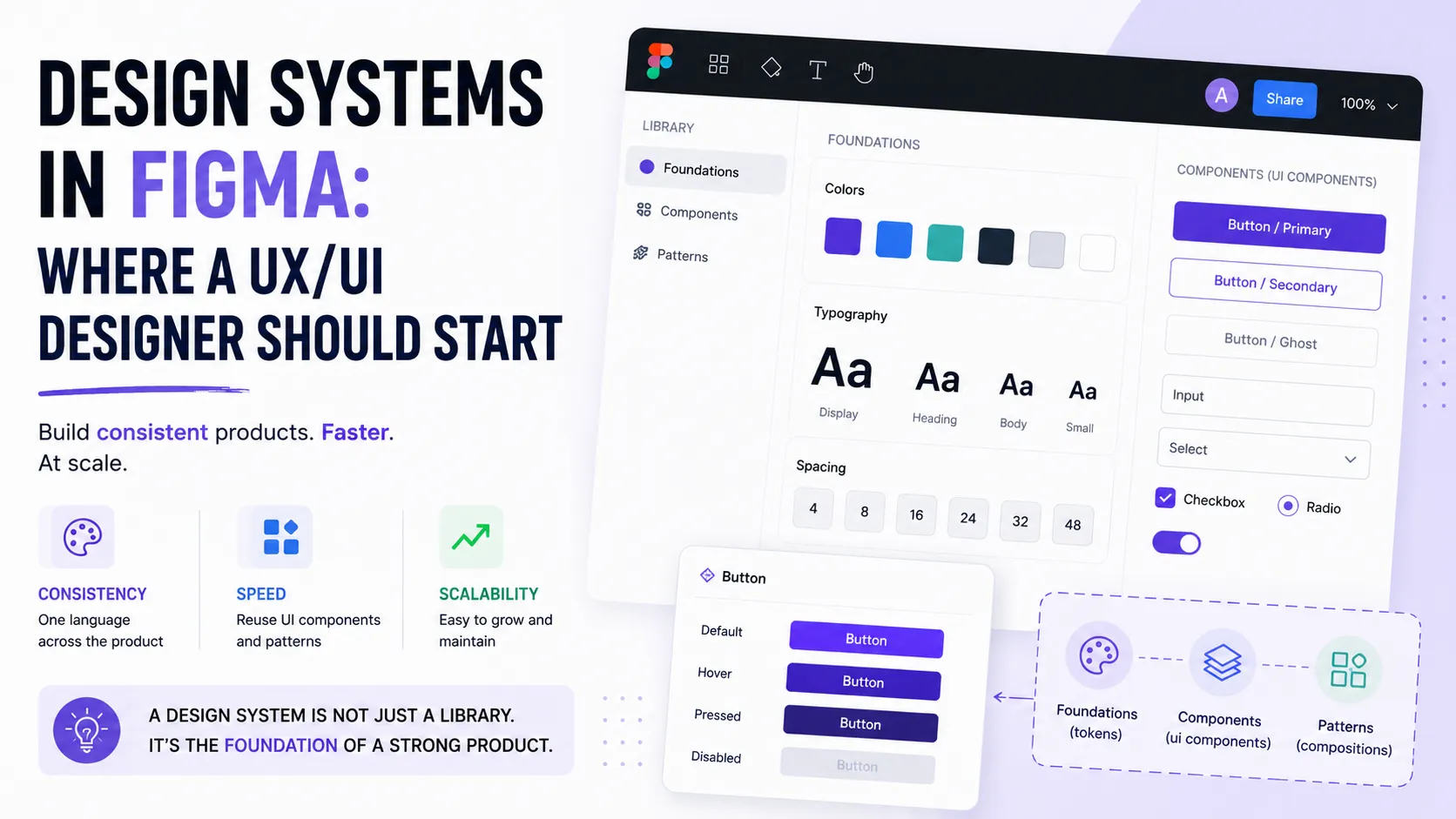
- Design system — a set of reusable components so the product stays consistent.
- Collaboration with development — handing mockups to frontend and checking implementation quality.
- Testing and iteration — validating with real people and improving based on feedback.
Skills and Tools You Need
- UX fundamentals — usability, information architecture, user scenarios.
- Visual fundamentals — typography, colour, composition, grids, spacing.
- A design tool — the standard today is
Figma; it pays to know it confidently. - Prototyping — the ability to build a clickable prototype to validate an idea.
- Design systems and components — to work fast and consistently.
- A basic grasp of development — what's feasible and what's expensive to build.
Soft skills are critical: empathy for the user, the ability to take criticism, and defending decisions with data rather than "I just like it this way."
UX/UI, Graphic, and Product Design: How They Differ
- Graphic design — about visual communication: logos, banners, print.
- UX/UI design — about the interfaces of digital products and the quality of interaction.
- Product design — a broader role: UX/UI plus responsibility for the business outcome and the product's growth.
The boundaries are often blurry, and in small teams one person may combine several roles.
How to Become a UX/UI Designer from Scratch
A rough roadmap for a beginner:
- Learn UX fundamentals — why usability matters more than "pretty."
- Master visual fundamentals — typography, colour, grids, hierarchy.
- Learn
Figmato a confident level — it's your main working tool. - Build a portfolio of 3–5 cases: show not just a nice picture but your thinking — what problem you solved and why this way.
- Publish your work where it will be seen, and start applying for junior roles.
You grow gradually: junior → middle → senior. Income depends on level, direction, and region, so anchor your expectations to real job postings, not "average numbers from the internet."
FAQ
Do you need to be able to draw to become a UX/UI designer?
No. UX/UI is about logic, structure, and working with ready-made interface elements, not fine-art drawing. Drawing skills are a nice bonus, not a requirement.
What's the difference between a UX and a UI designer?
UX is responsible for usability and logic ("how it works"); UI for how the interface looks ("how it looks"). In practice, in many teams it's one person — a UX/UI designer.
What matters more for getting hired: a degree or a portfolio?
Almost always the portfolio. Employers want to see your cases and your thinking, not a line in your education. One strong case is more convincing than a certificate.
Ready to act?
- Skill and technology directory: https://searchtalent.dev/en/talents/skill
- Browse talents by direction: https://searchtalent.dev/en/talents/role
- Browse talents: https://searchtalent.dev/en/talents
- Create your own portfolio: https://searchtalent.dev/en/projects/new